
.svg)

Engaging Documents
for Every Subject

.svg)

.svg)


Loved by teachers & schools worldwide


Effortlessly Create Impactful Documents With Tutero.
.svg)
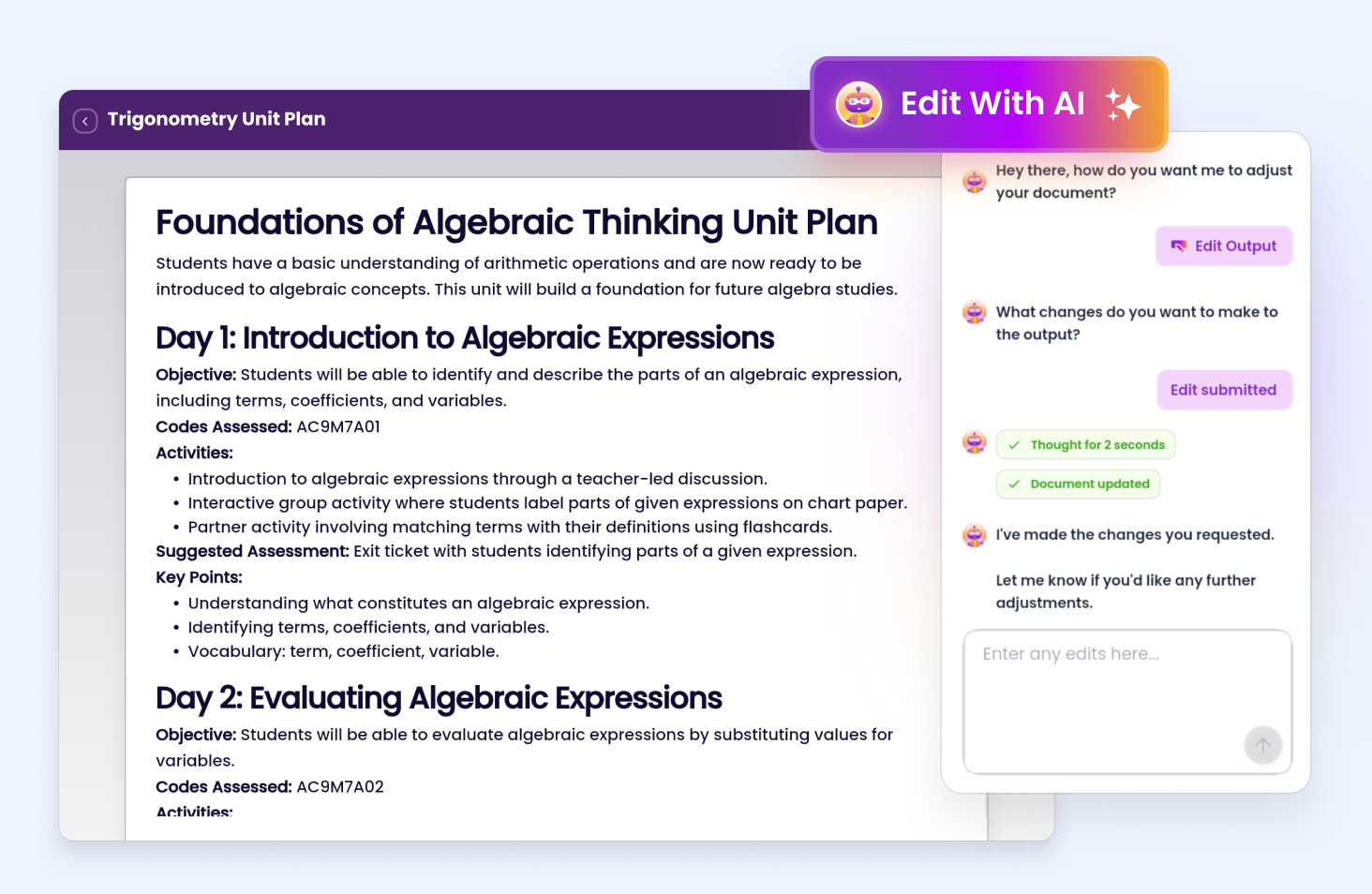
Edit Your Documents in Seconds with AI ✨
Examples of how you can edit your lesson with AI:
Download or Share
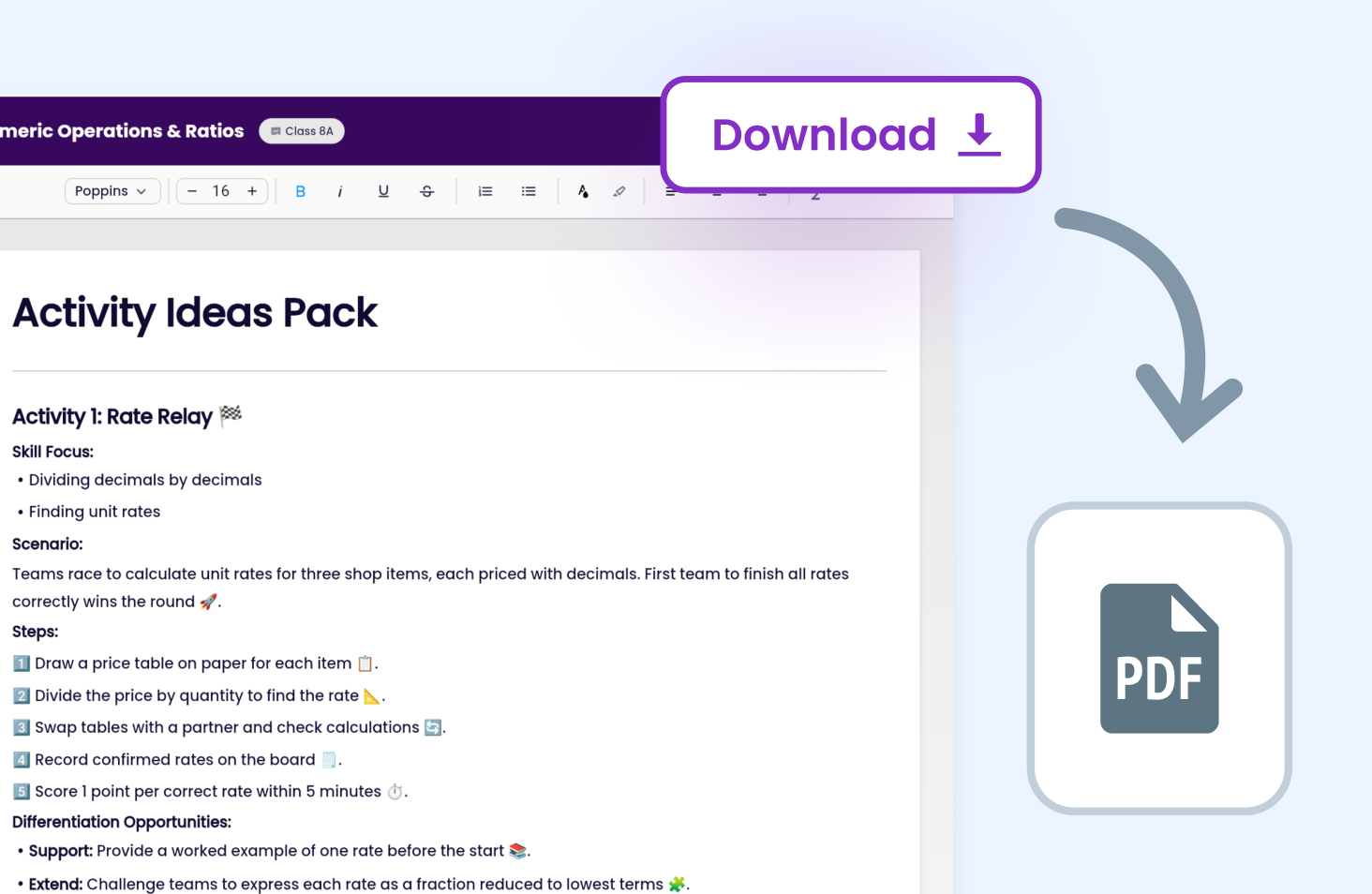
Download documents created in Tutero for printing, sharing, or saving. Open a document and get a ready-to-use file in seconds.
Teachers love Tutero's worksheets
Curriculum Aligned
Automatically map planning with outcomes.

Editing & Flexibility
Adjust planning around your preferences.

Differentiated Resources
Materials to engage students at every level.
.avif)
Detailed Documentation
Evidence teaching in 30 seconds.
.avif)
.png)
Supercharge teaching with useful AI



Curriculum-Aligned Unit Plans in Minutes
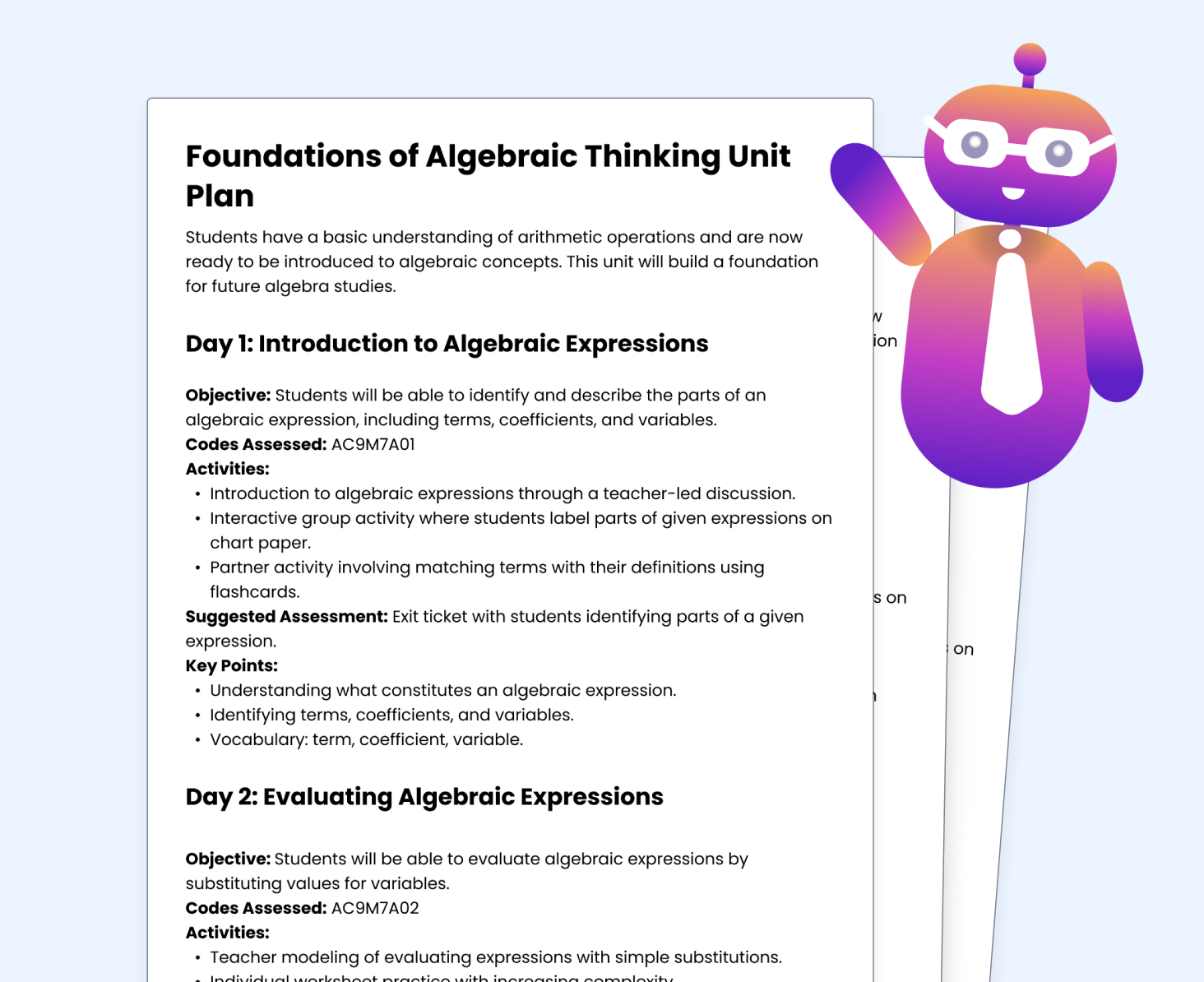
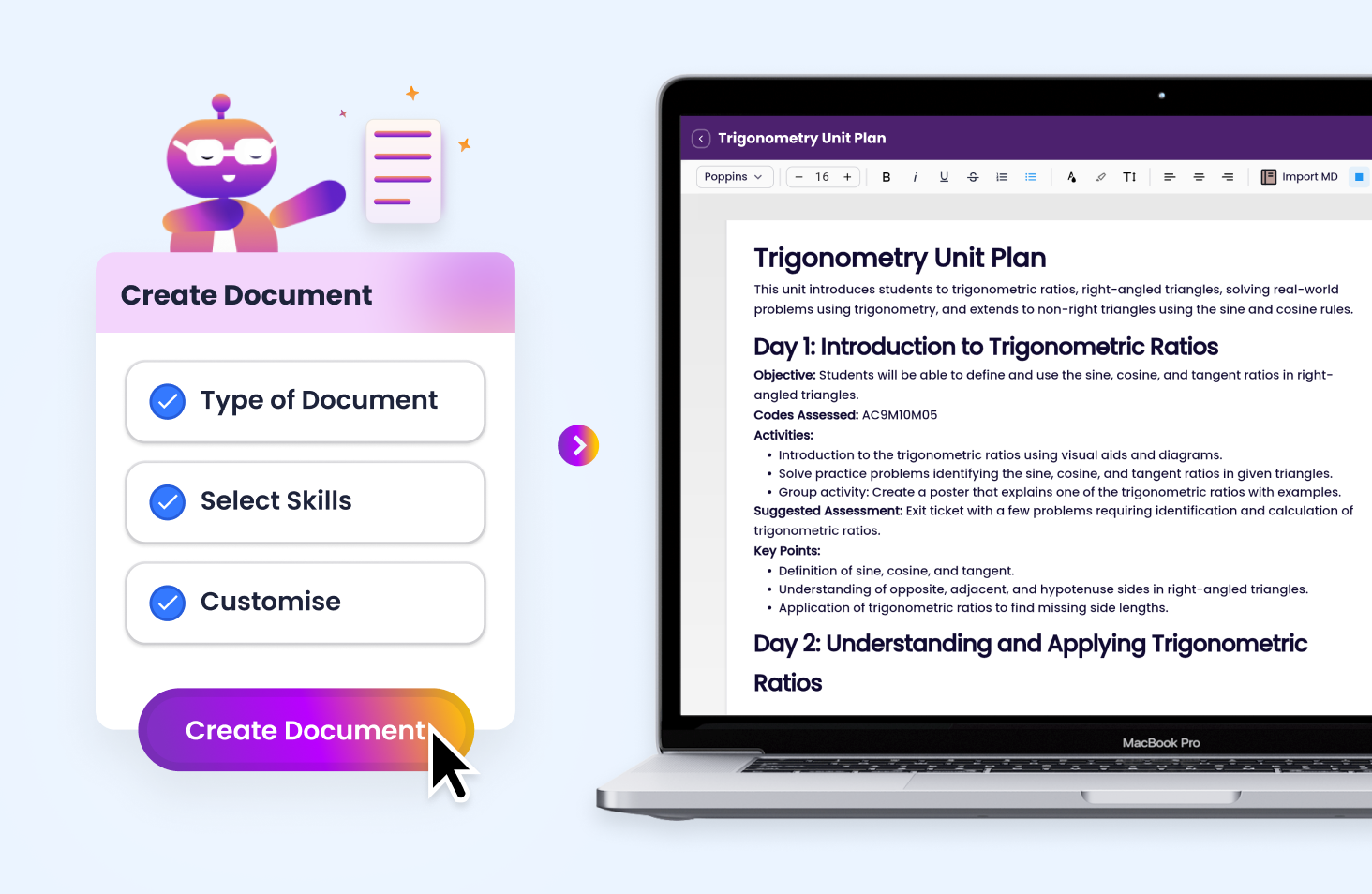
Tutero helps you generate full unit plans that align with the Australian Curriculum in under 60 seconds. Whether you’re planning a new term or revising an existing sequence, our document builder gives you everything you need: objectives, activities, skills covered, and assessment notes.
Built with ACARA standards in mind and adaptable to each state, every unit plan supports explicit teaching and structured progression from one concept to the next. Ideal for planning, moderation, or parent communication.
Customisable Term Reviews, Vocab Lists, and Learning Plans
No more starting from a blank page. With Tutero, you can instantly create:
- End-of-term review documents
- Differentiated individual learning plans (ILPs)
- Vocabulary lists for key topics
- Extension and enabling task outlines
- Practical application prompts for real-world learning
All documents are editable, shareable, and built to suit your scope and student cohort, making personalised teaching easier and more efficient.
AI-Powered Document Editing for Teachers
Tutero’s AI document editor lets you refine and adjust your teaching documents in seconds using simple, natural-language prompts.
Update the learning focus, rewrite activity instructions, change skills covered, or expand content for different year levels—all without needing to start again.
Perfect for lesson tweaks, student adjustments, or adapting across classes.
Export and Share Teacher Documents Instantly
Download your documents as print-ready PDFs or share editable versions with colleagues and teaching teams. Whether you're planning collaboratively or setting up for relief, Tutero gives you polished, purposeful documents you can use straight away.