
.svg)

Engaging Documents
for Every Subject

.svg)

.svg)


Loved by teachers & schools worldwide


Effortlessly Create Impactful Documents With Tutero.
.svg)
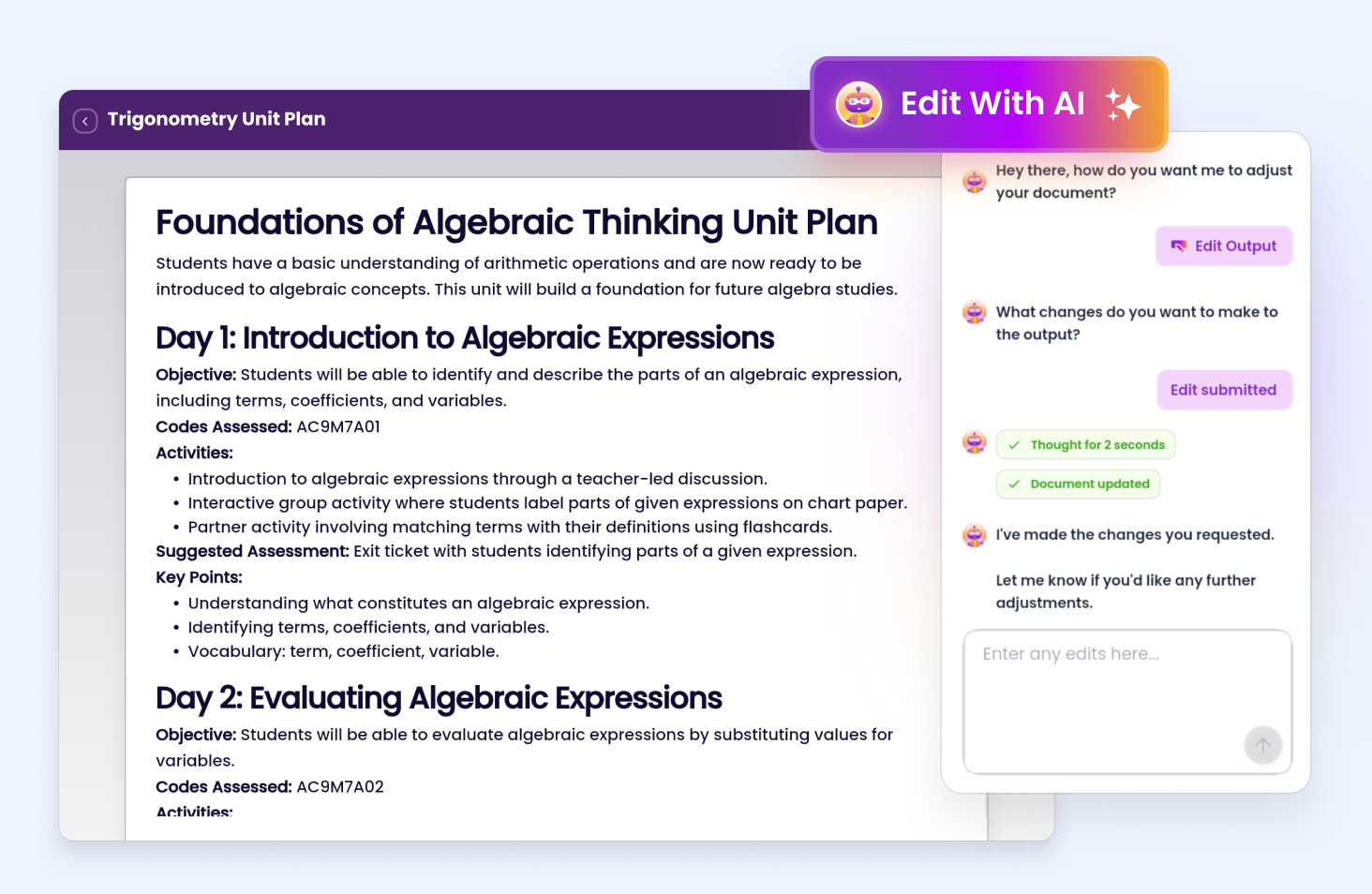
Edit Your Documents in Seconds with AI ✨
Examples of how you can edit your lesson with AI:
Download or Share
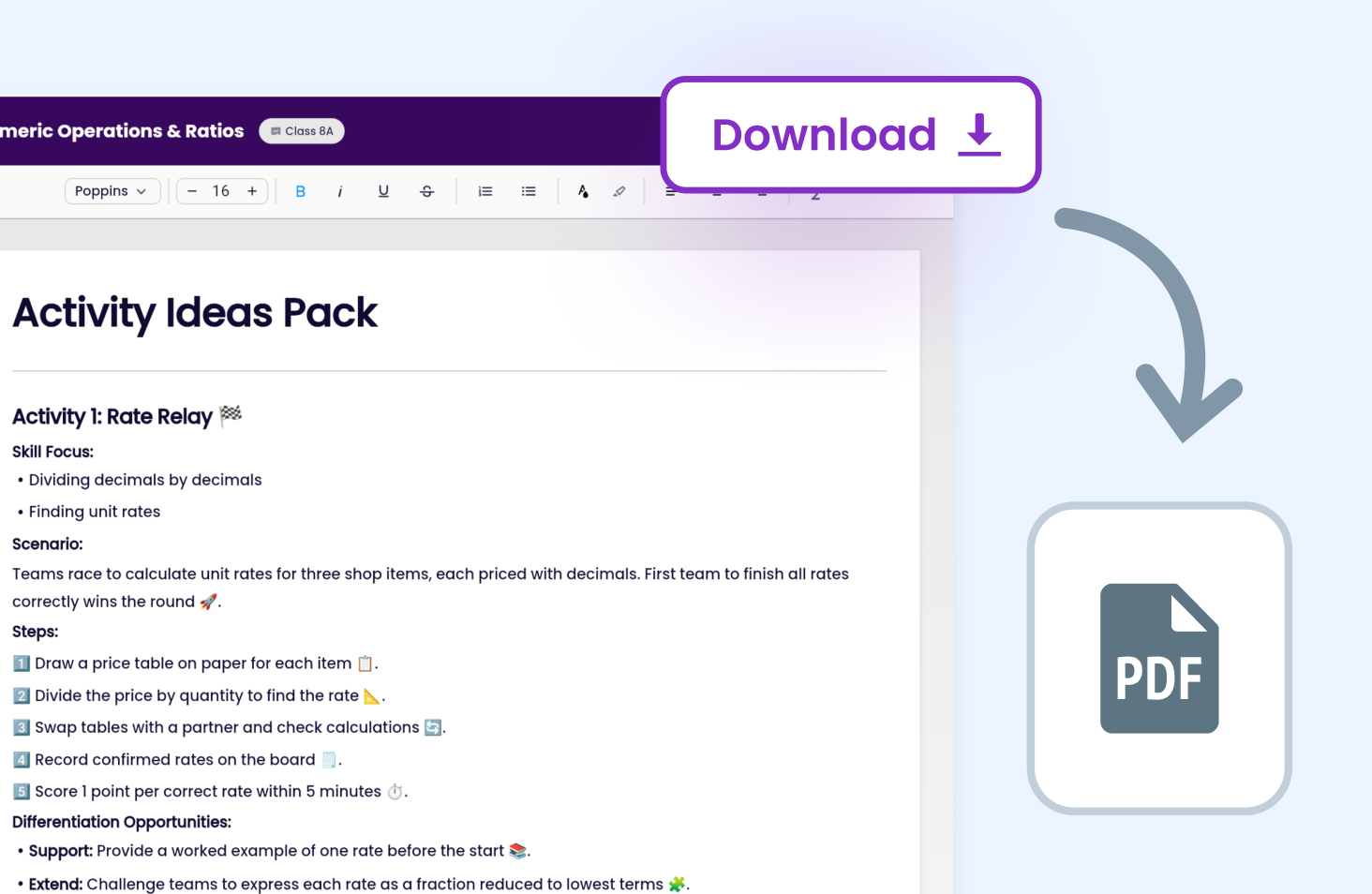
Download documents created in Tutero for printing, sharing, or saving. Open a document and get a ready-to-use file in seconds.
Learning leaders love Tutero's worksheets
Curriculum Aligned
Automatically map planning with outcomes.

Editing & Flexibility
Adjust planning around your preferences.

Differentiated Resources
Materials to engage students at every level.
.avif)
Detailed Documentation
Evidence teaching in 30 seconds.
.avif)
.png)
Supercharge
teaching with useful AI



Editable Unit Plans for Every Subject
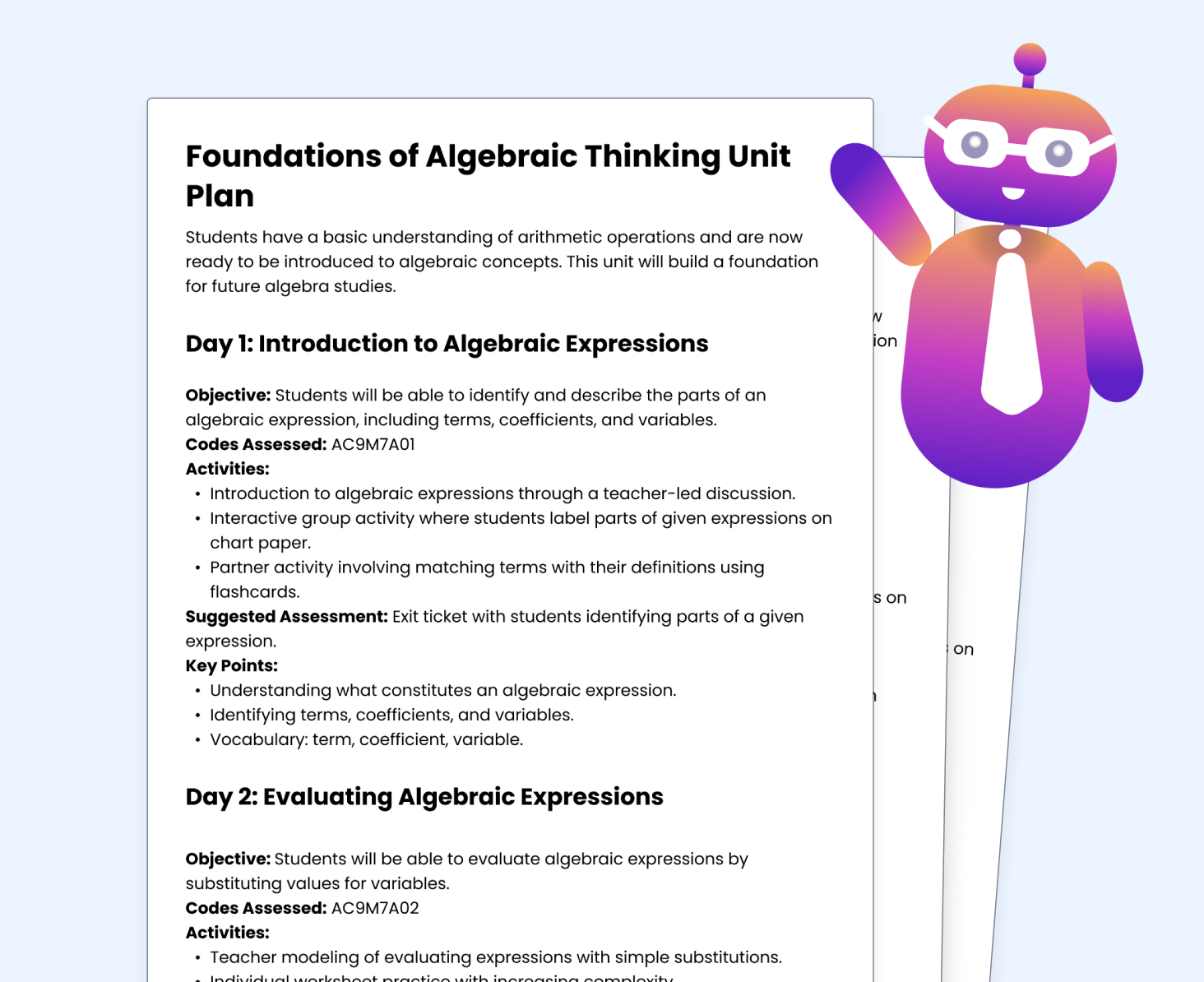
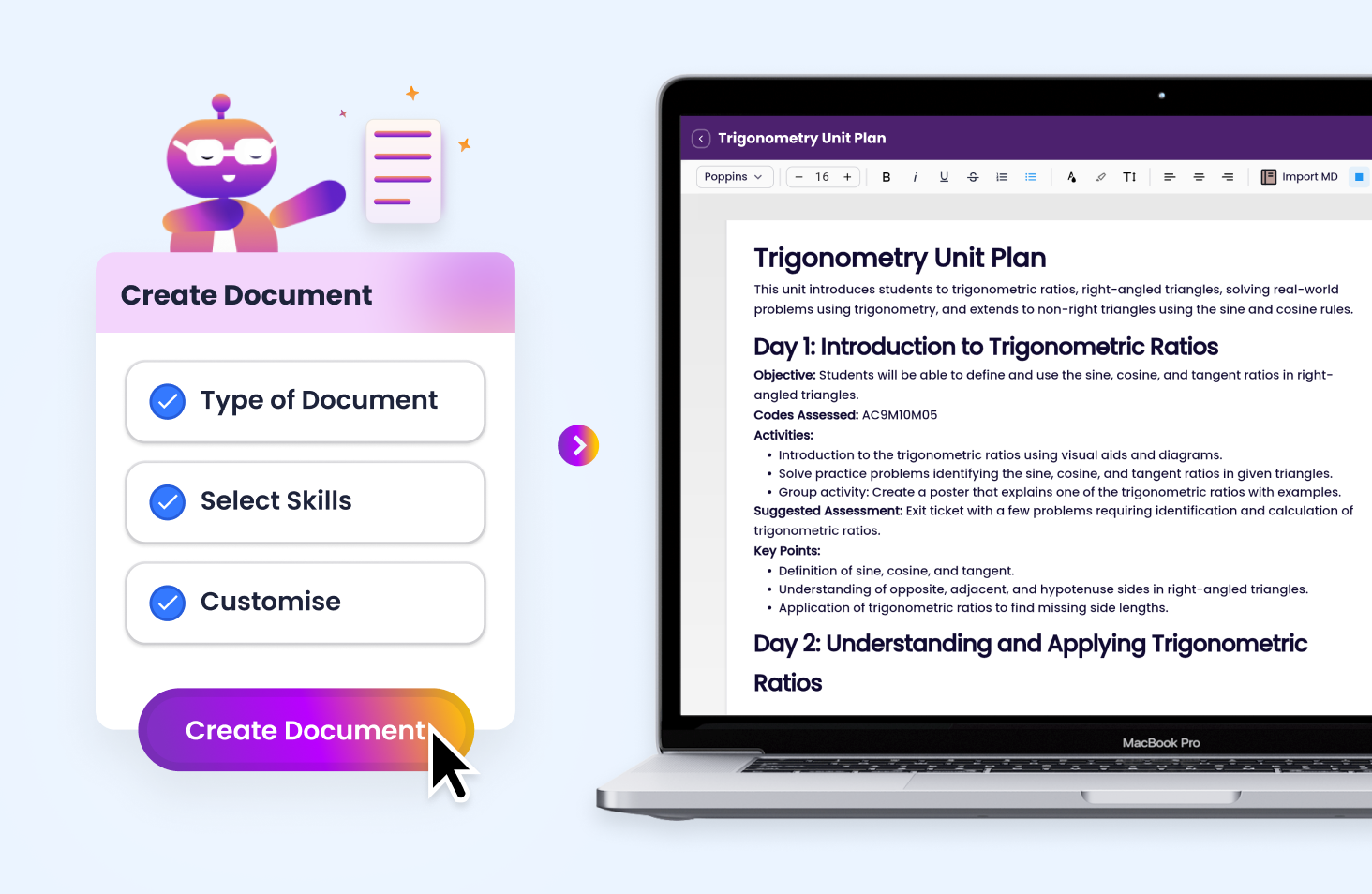
Tutero helps US teachers generate full unit plans aligned to Common Core and state standards across every subject — in under 60 seconds. Whether you’re planning a new term or revising an existing sequence, you get objectives, activities, skills covered, and assessment notes ready to go.
Flexible Templates for Term Reviews, IEPs, and Enrichment Plans
Tutero gives you the tools to create and customize:
- End-of-term or end-of-unit review summaries
- Individualised Education Plans (IEPs) or student learning plans
- Vocabulary reference sheets
- Differentiation scaffolds for enrichment or remediation
All documents are designed to support effective planning and communication across your school community, and can be modified for your students in just a few clicks.
AI Editing That Speeds Up Your Workflow
Tutero’s built-in AI editor helps you make fast changes to your teaching documents - no extra tools required.
Edit document structure, rewrite text, swap out standards, or adjust pacing - all using natural language prompts. Perfect for teachers who want flexibility without rework.
Download, Print, and Share With Your Team
Once your document is ready, export it as a printable PDF or share it directly with your teaching team. Great for instructional planning, parent communication, or school-wide resource building. Tutero keeps everything organized, editable, and easy to access.