
.svg)

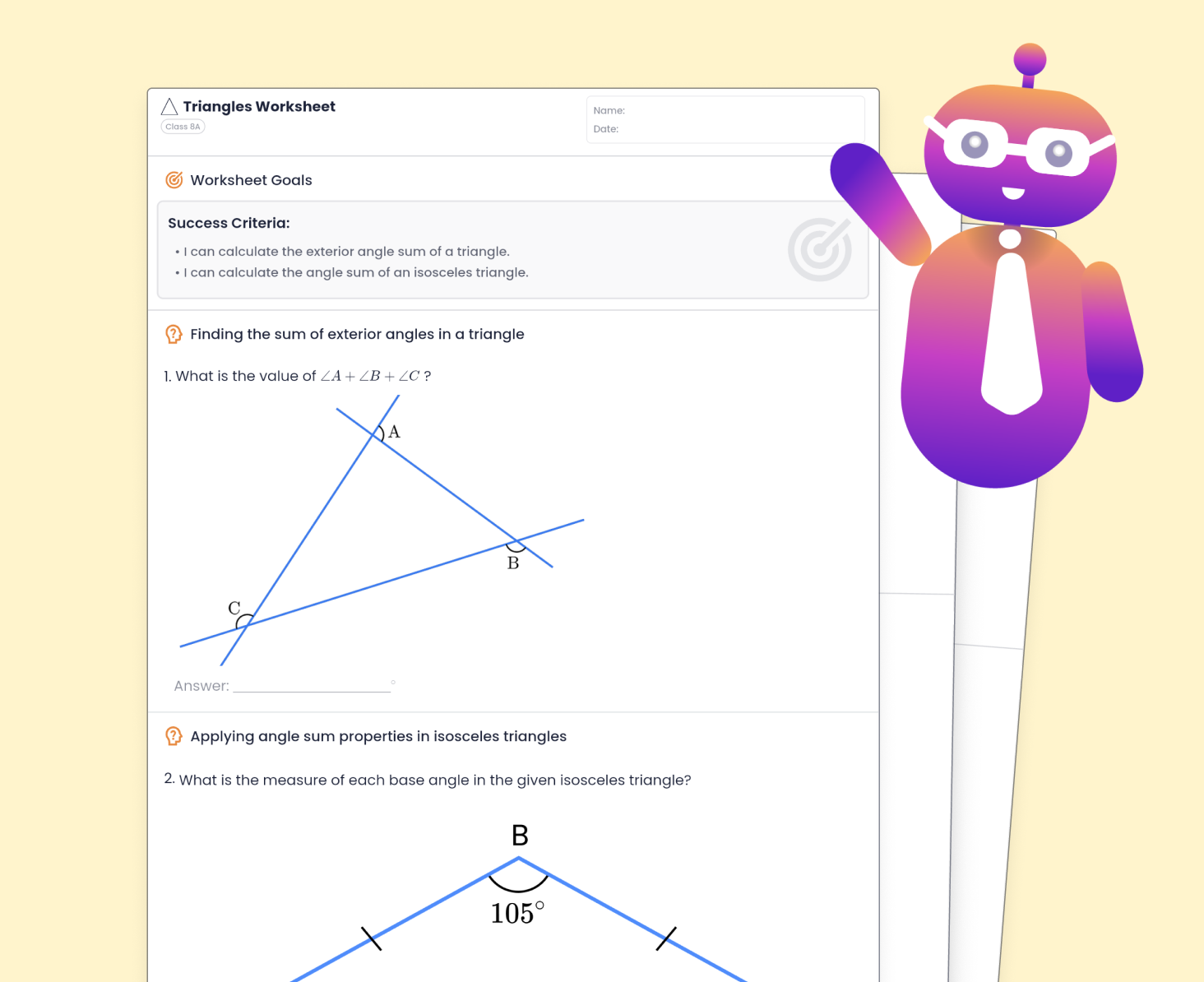
Personalized Worksheets
for Every Subject

.svg)

.svg)


Loved by teachers & schools worldwide


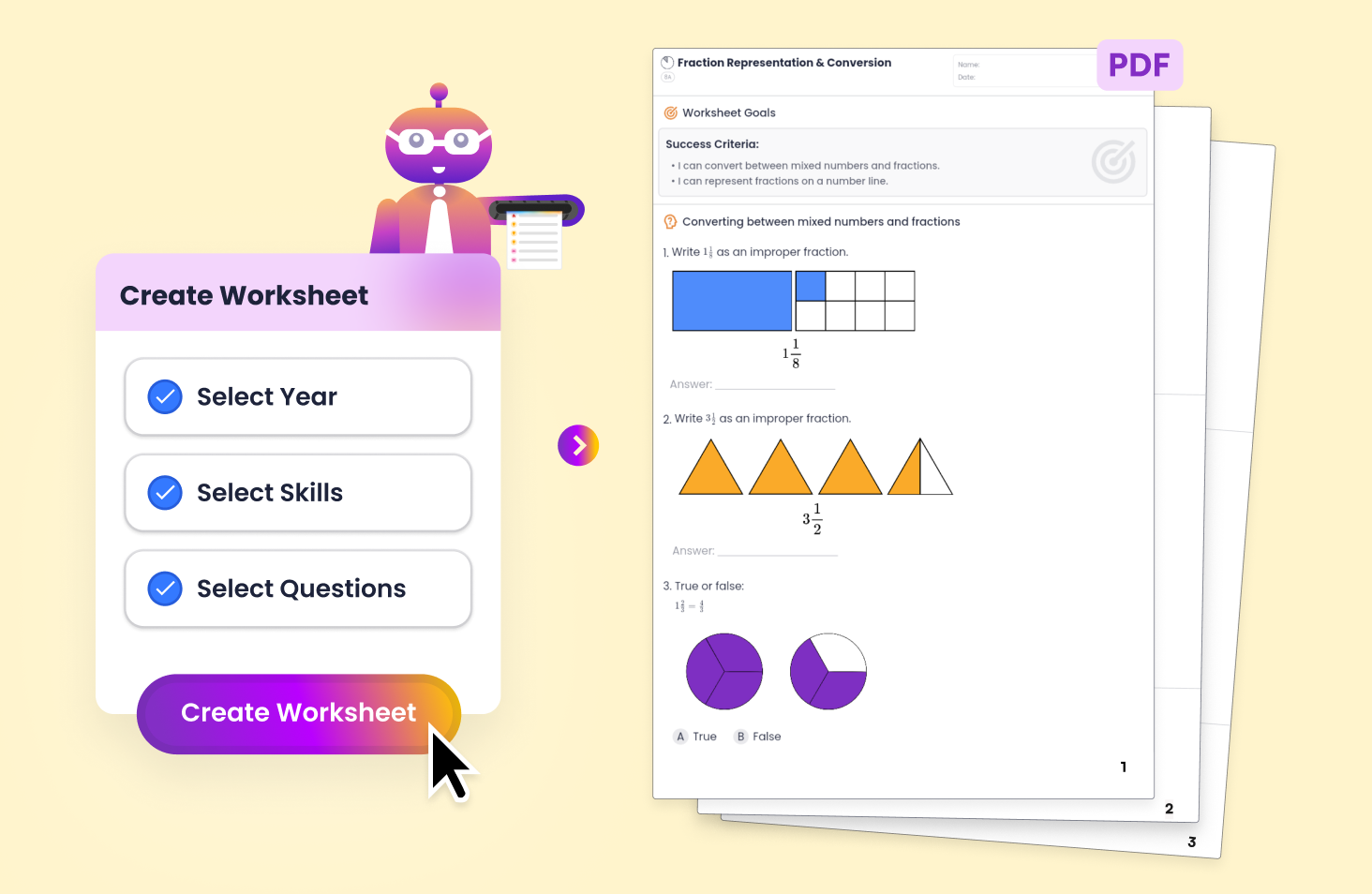
Effortlessly Create Impactful Worksheets With Tutero.
.svg)
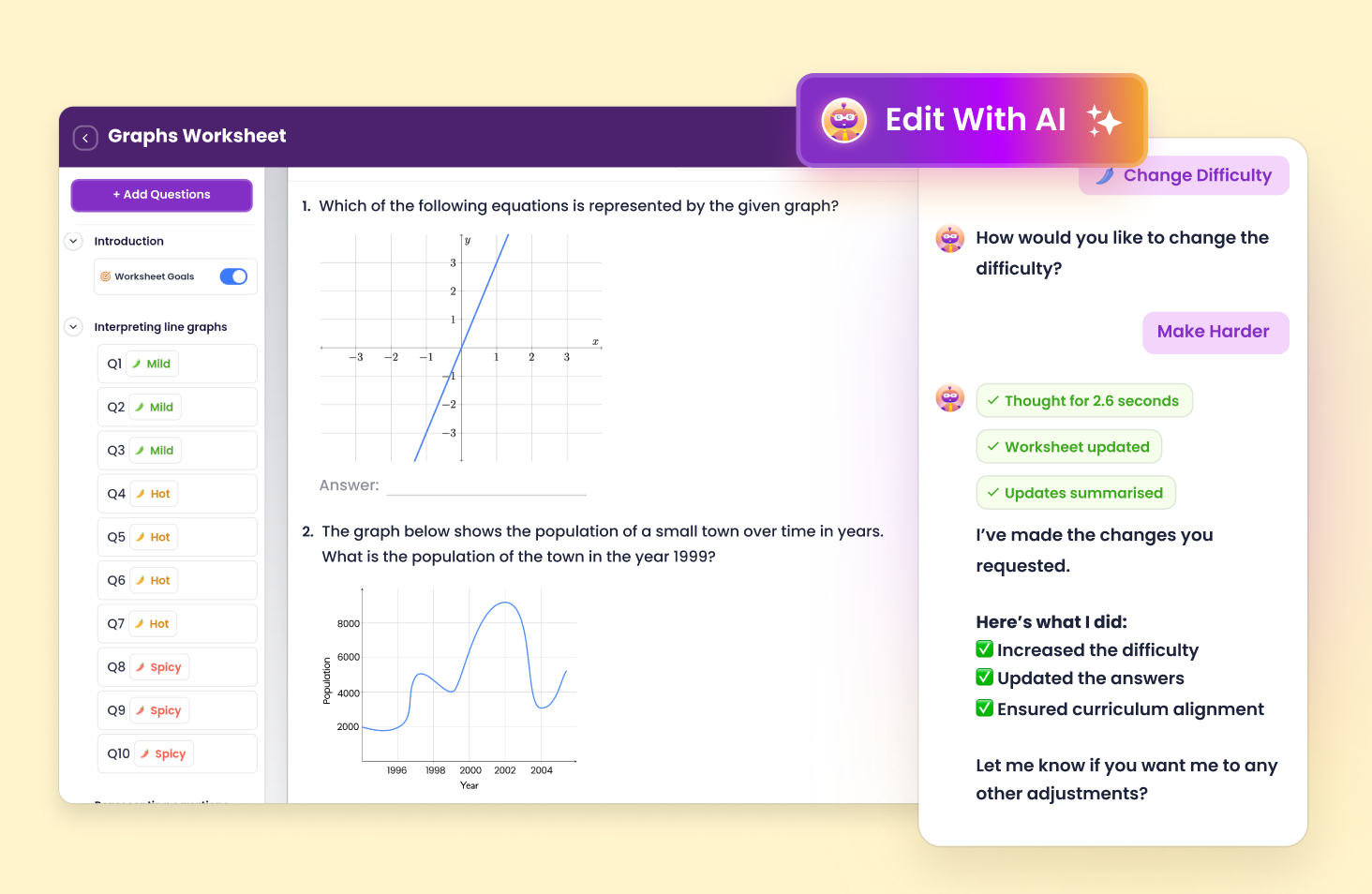
Edit Your Worksheets in Seconds with AI ✨
Examples of how you can edit your lesson with AI:
Download or Share
Share with teachers so they can duplicate and customize the worksheet for their class. Share with students so they can follow along and answer questions.
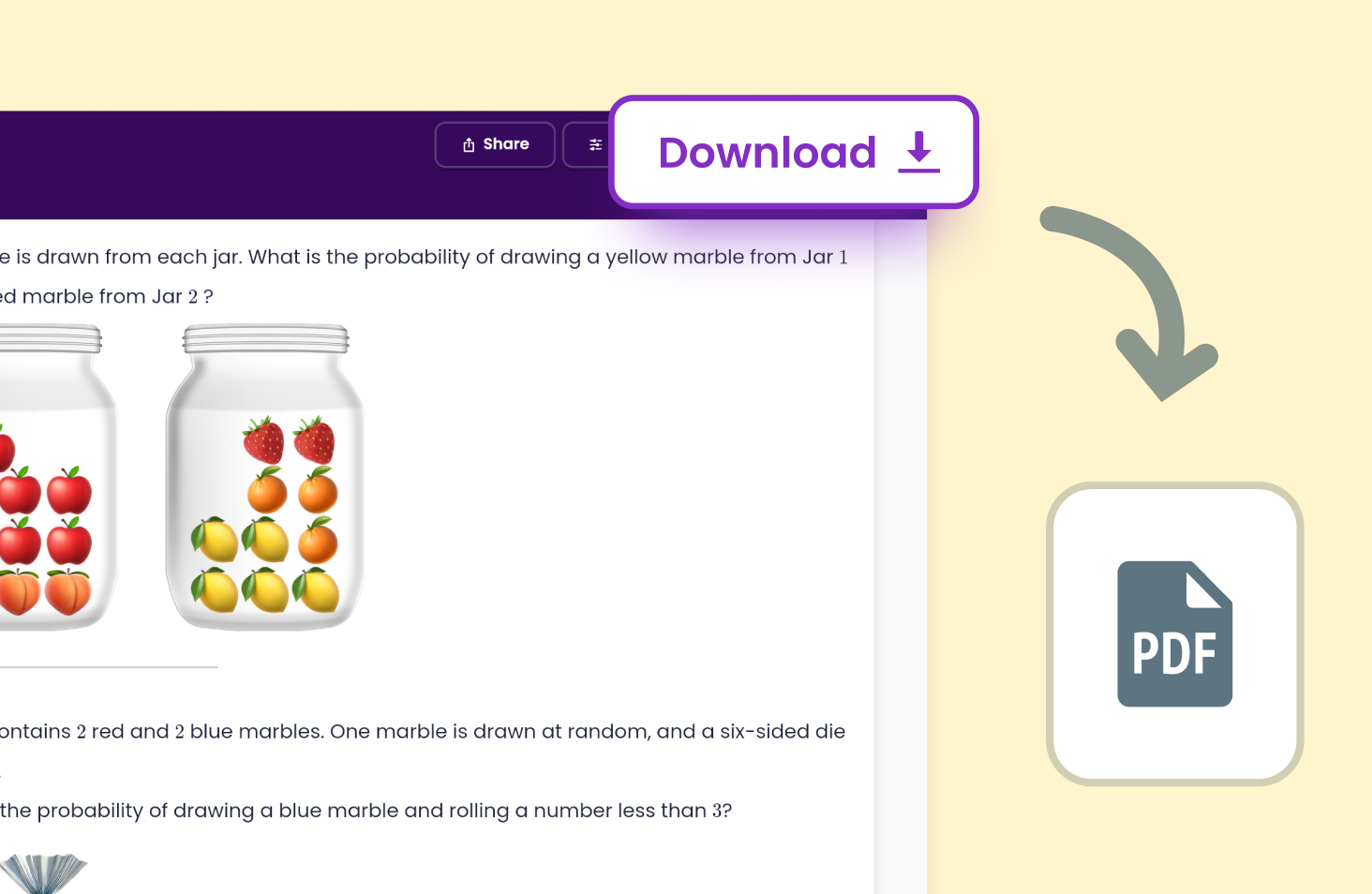
Download as a PDF for printing or saving.
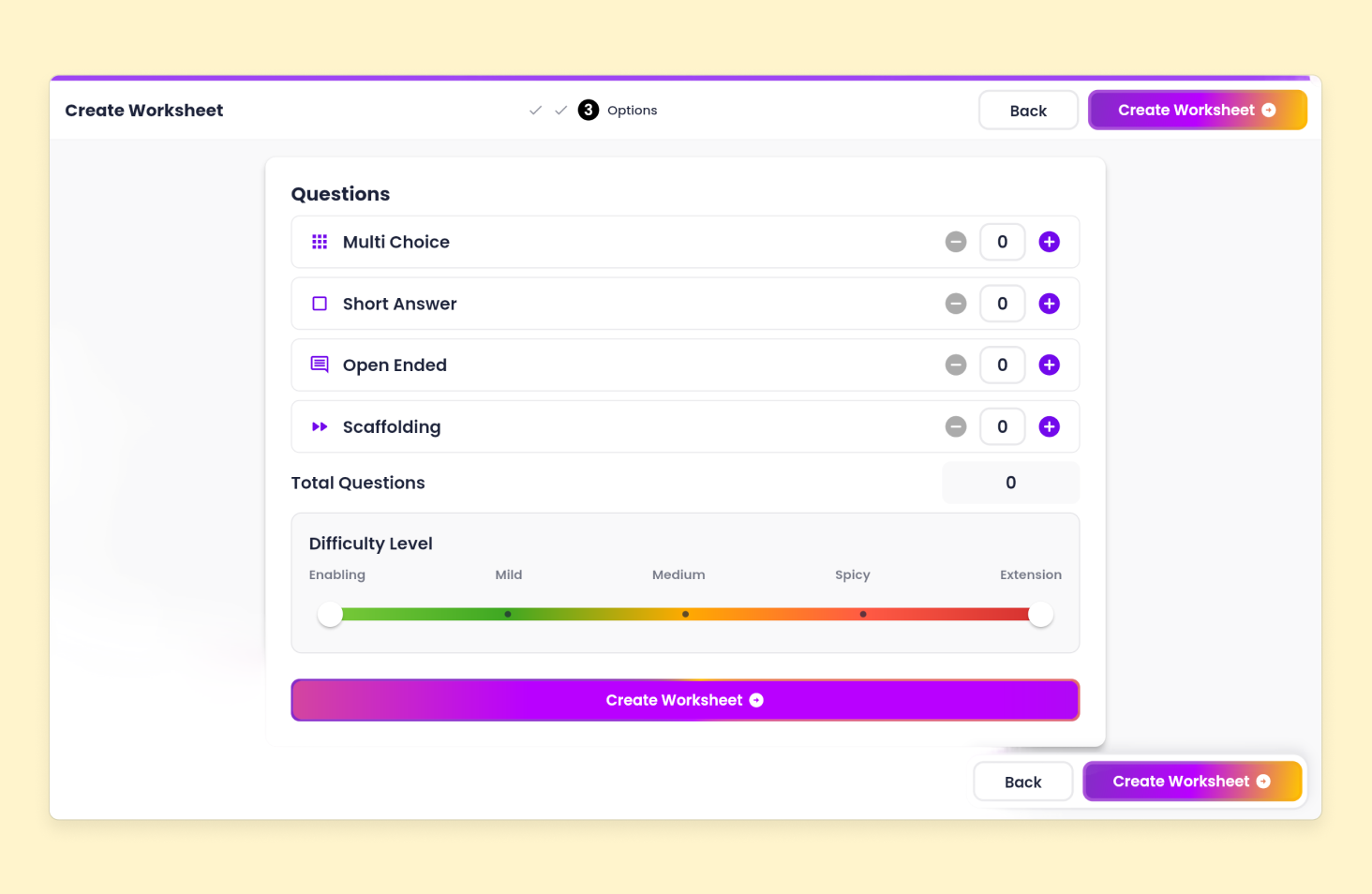
Custom Worksheets
Choose question types, set how many appear in each section, and adjust difficulty.
Make changes in just a few clicks.
Learning leaders love Tutero's worksheets
Curriculum Aligned
Automatically map planning with outcomes.

Editing & Flexibility
Adjust planning around your preferences.

Differentiated Resources
Materials to engage students at every level.
.avif)
Detailed Documentation
Evidence teaching in 30 seconds.
.avif)

Supercharge
teaching with useful AI

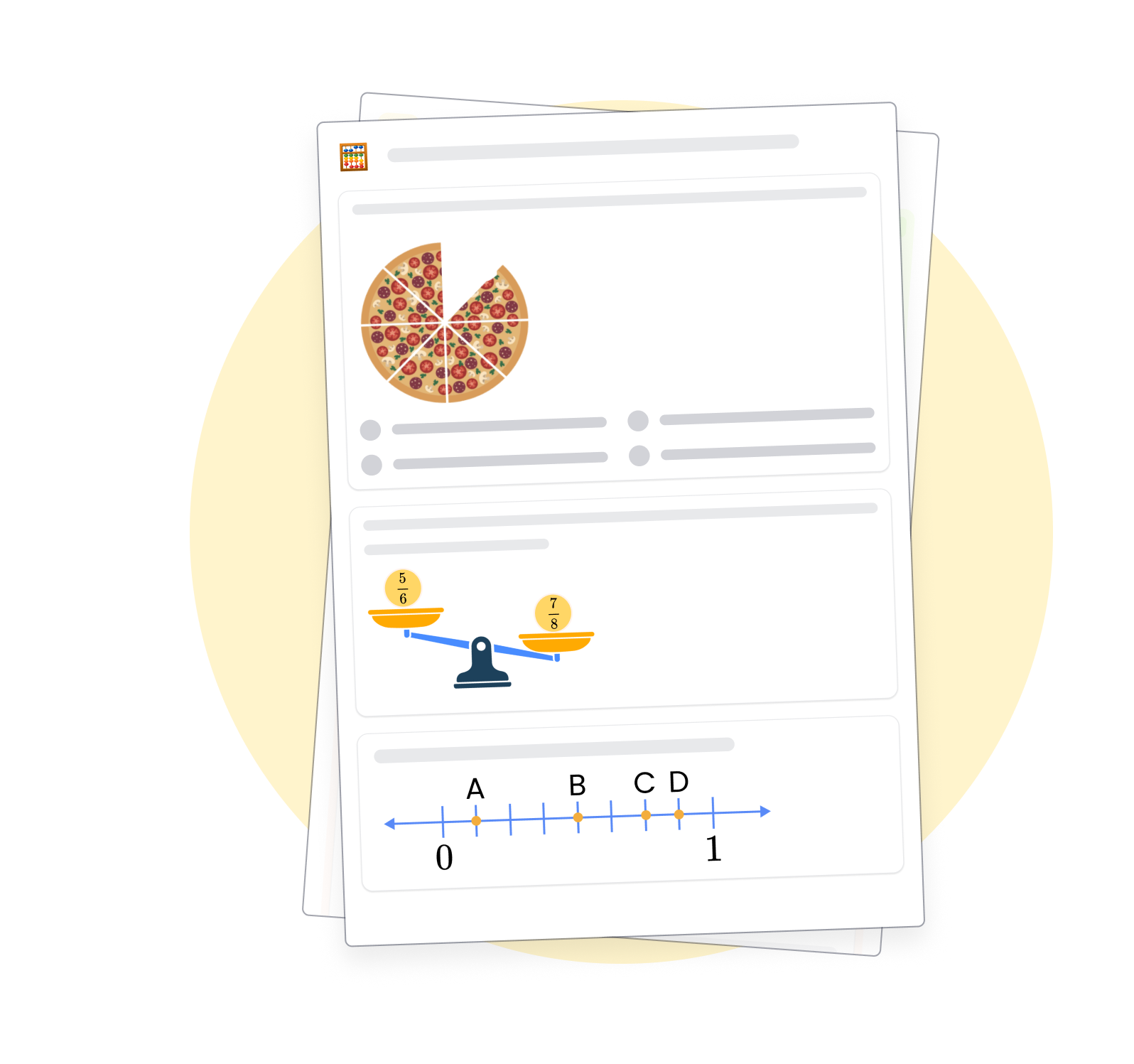


Standards-Aligned Worksheets for Every Subject
Tutero’s worksheets are fully aligned to the Common Core and state-specific standards across every subject. Whether you’re teaching ELA, Science, Social Studies, or Mathematics, every task supports your teaching goals and assessment requirements — ready to use straight out of the box.
Flexible Worksheet Builder for Every Classroom Need
Tutero gives you full control over your worksheets across every subject. Adjust the layout, swap question types, set difficulty levels, and add extension or enabling tasks — all in seconds, without rebuilding from scratch.
Worksheets for every subject in the curriculum
AI Worksheet Generator for Teachers
Tutero’s AI worksheet generator helps you build and refine high-quality worksheets across every subject — in seconds. Adjust difficulty, swap out question types, or add extension and enabling tasks without rebuilding from scratch.
Downloadable Worksheets You Can Share or Print
Download any Tutero worksheet as a print-ready PDF or share an editable link with your students or teaching team — across every subject, every grade level. Whether you’re prepping for class, a sub, or a parent meeting, your resources are ready in seconds.