


.svg)

.svg)


.svg)
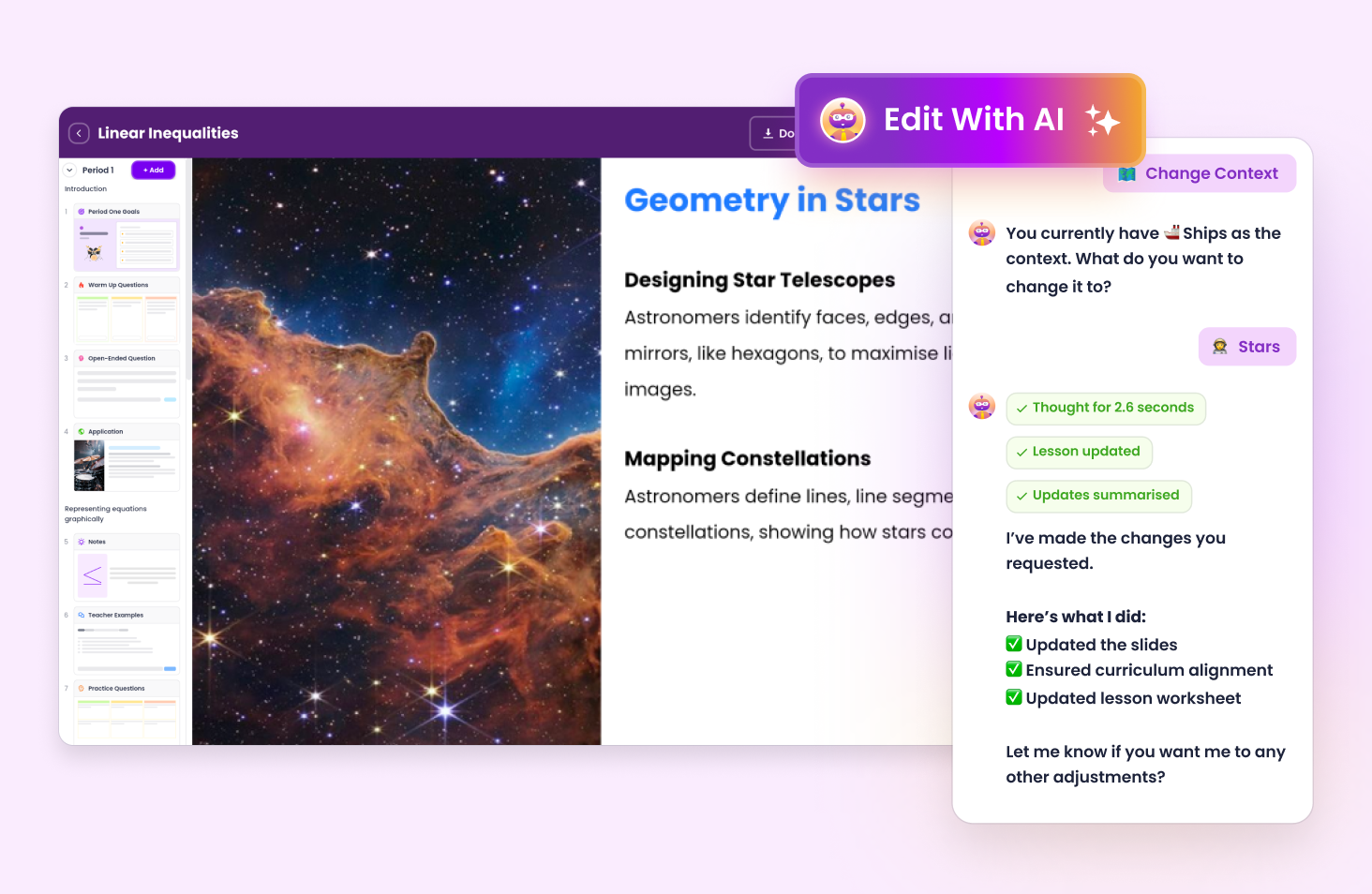
Examples of how you can edit your lesson with AI:
Share with teachers so they can duplicate and customize content for their class. Share with students so they can follow along and answer questions.
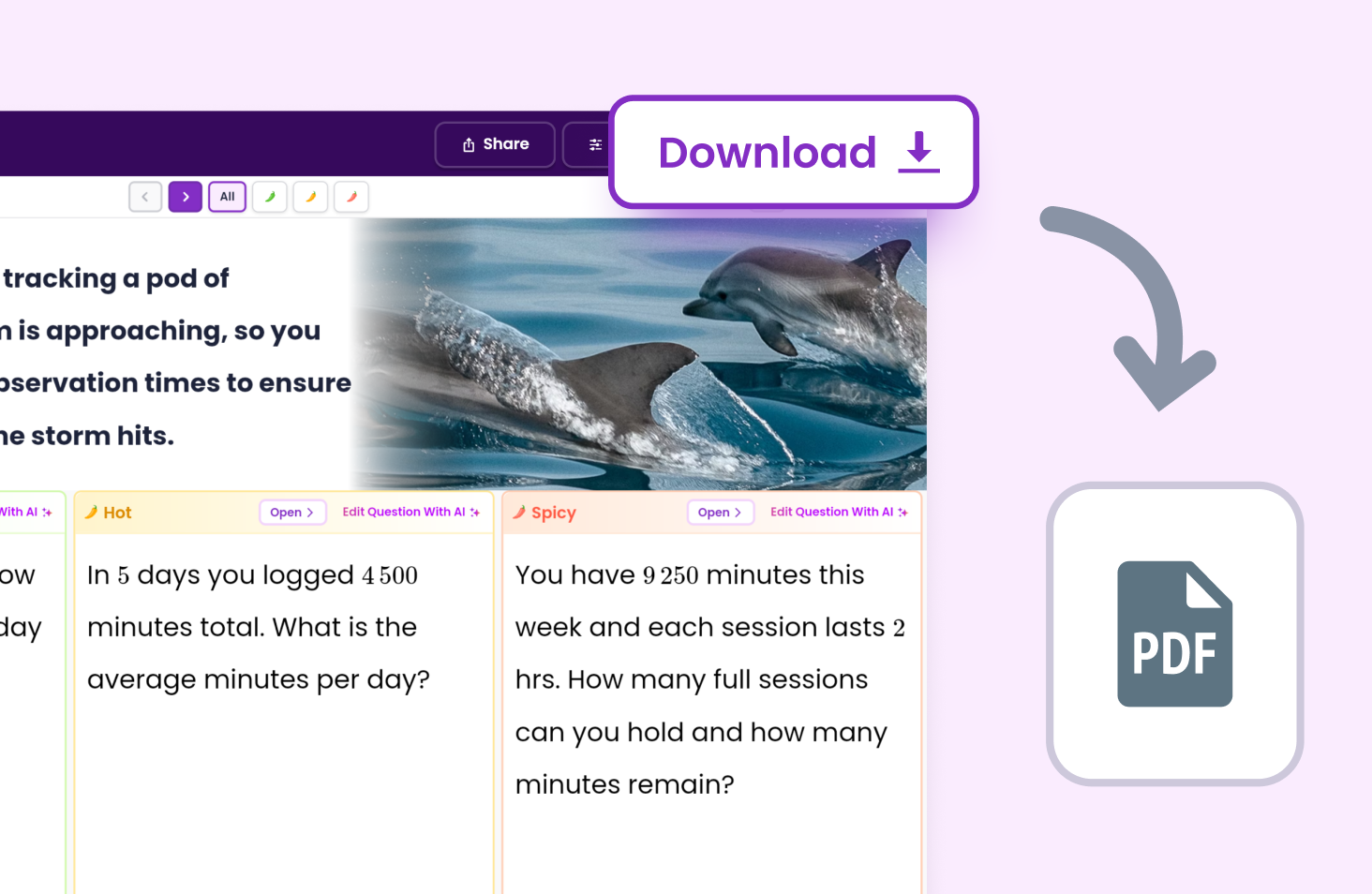
Download as a PDF for printing or saving.
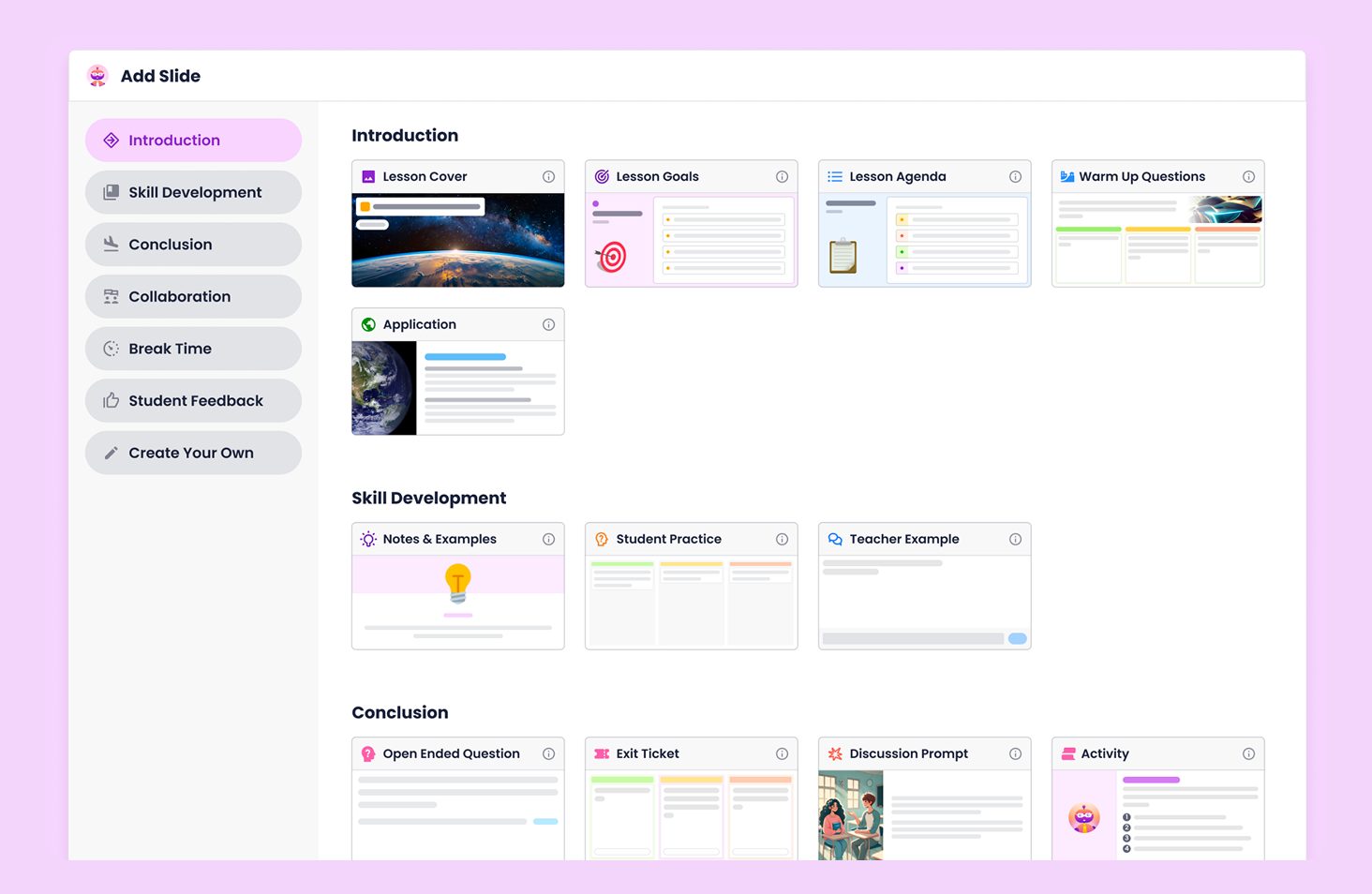
Add Slide lets you customise and adjust content to suit your students. Use slides to build differentiated lessons that work for your class.
Automatically map planning with outcomes.

Adjust planning around your preferences.

Materials to engage students at every level.
.avif)
Evidence teaching in 30 seconds.
.avif)


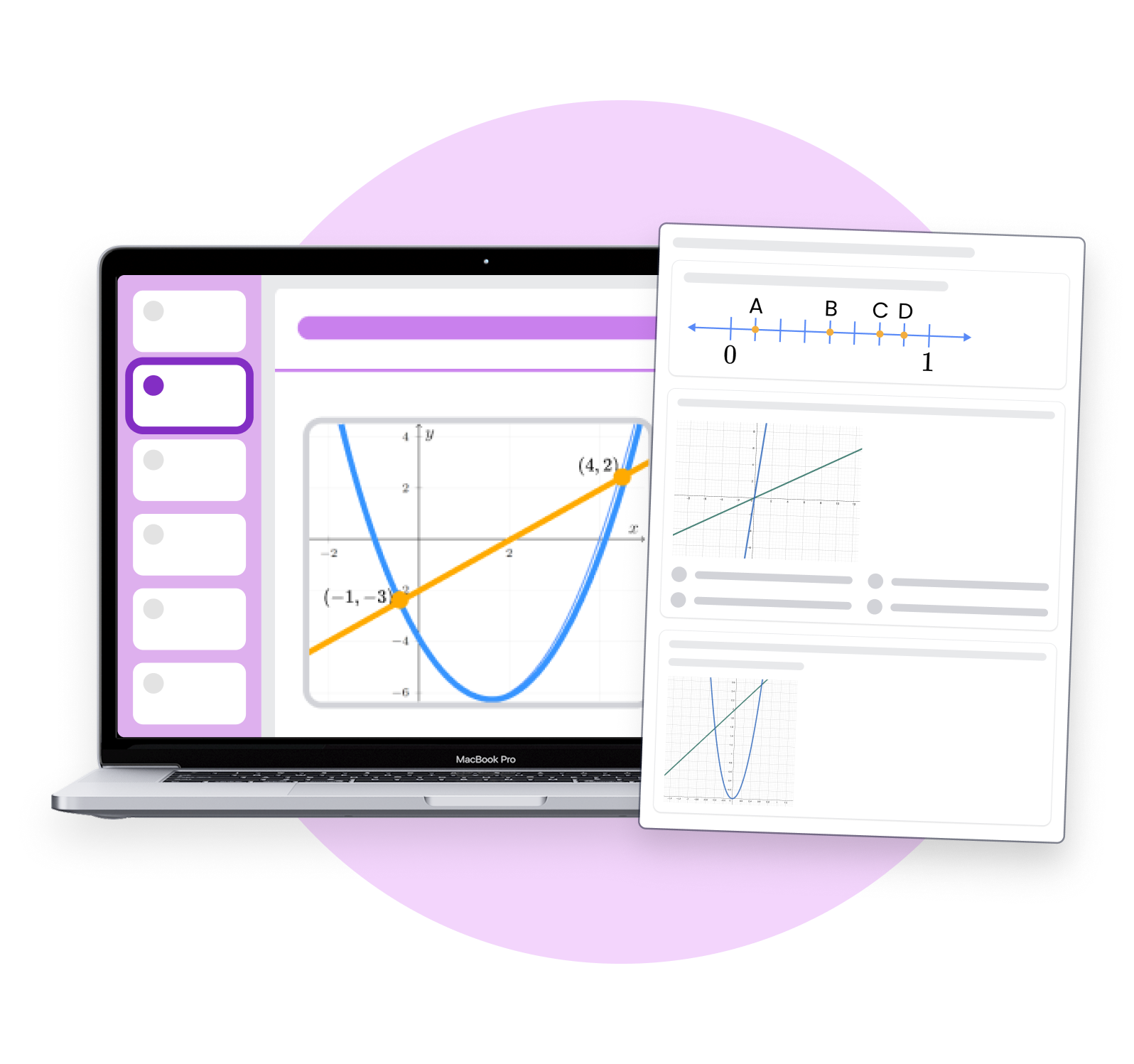
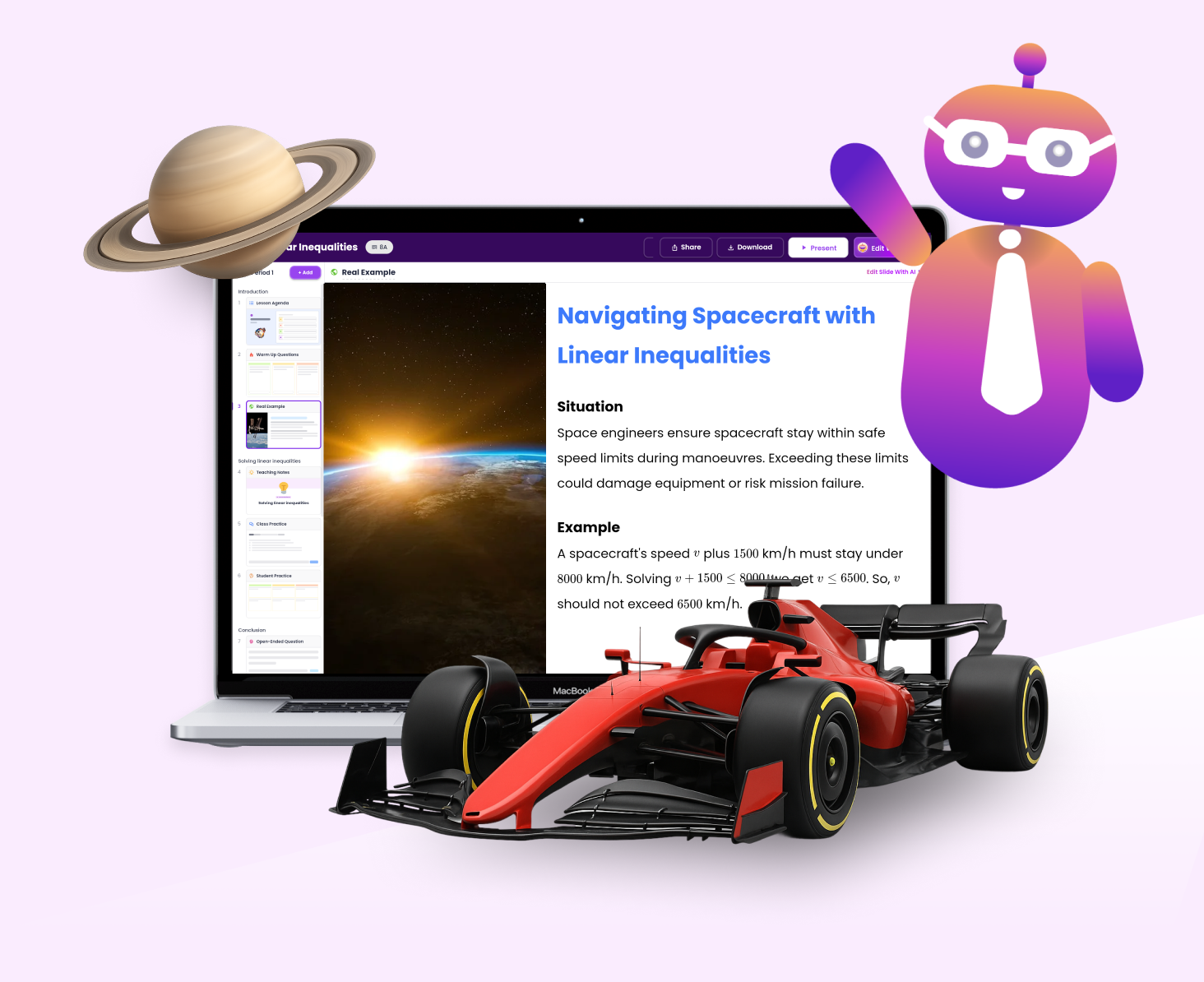
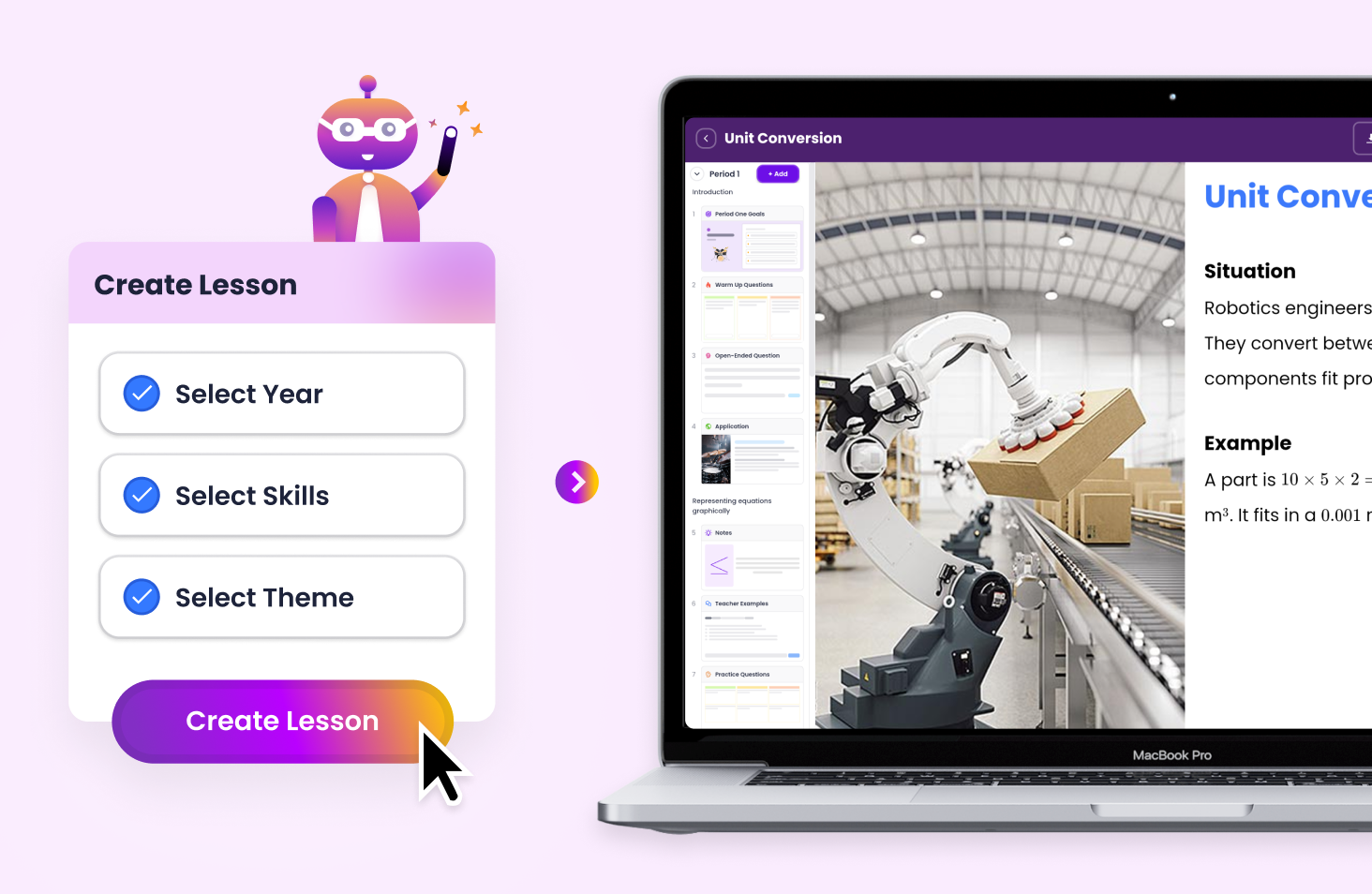
Build interactive presentations aligned with Common Core or your state standards in under 60 seconds. Tutero’s slideshow builder helps teachers create grade-specific, engaging content that’s ready to present right away. Whether you’re teaching ELA, Science, Social Studies, or Mathematics, you’ll get structured slides that support your curriculum and keep students engaged.
Tutero gives you full control over your slides. You can:
It’s the fastest way to create high-quality slide decks for any subject, without starting from scratch.
Tutero’s AI editing tools let you instantly update your slideshows using plain language prompts.
You can:
Create differentiated versions of your presentations in just a few clicks.
Save your slideshows as PDFs or share editable versions with colleagues and students. Tutero lets you store, reuse, and tweak your presentation library throughout the term so your planning gets faster every time.
.svg)


