


.svg)

.svg)


.svg)
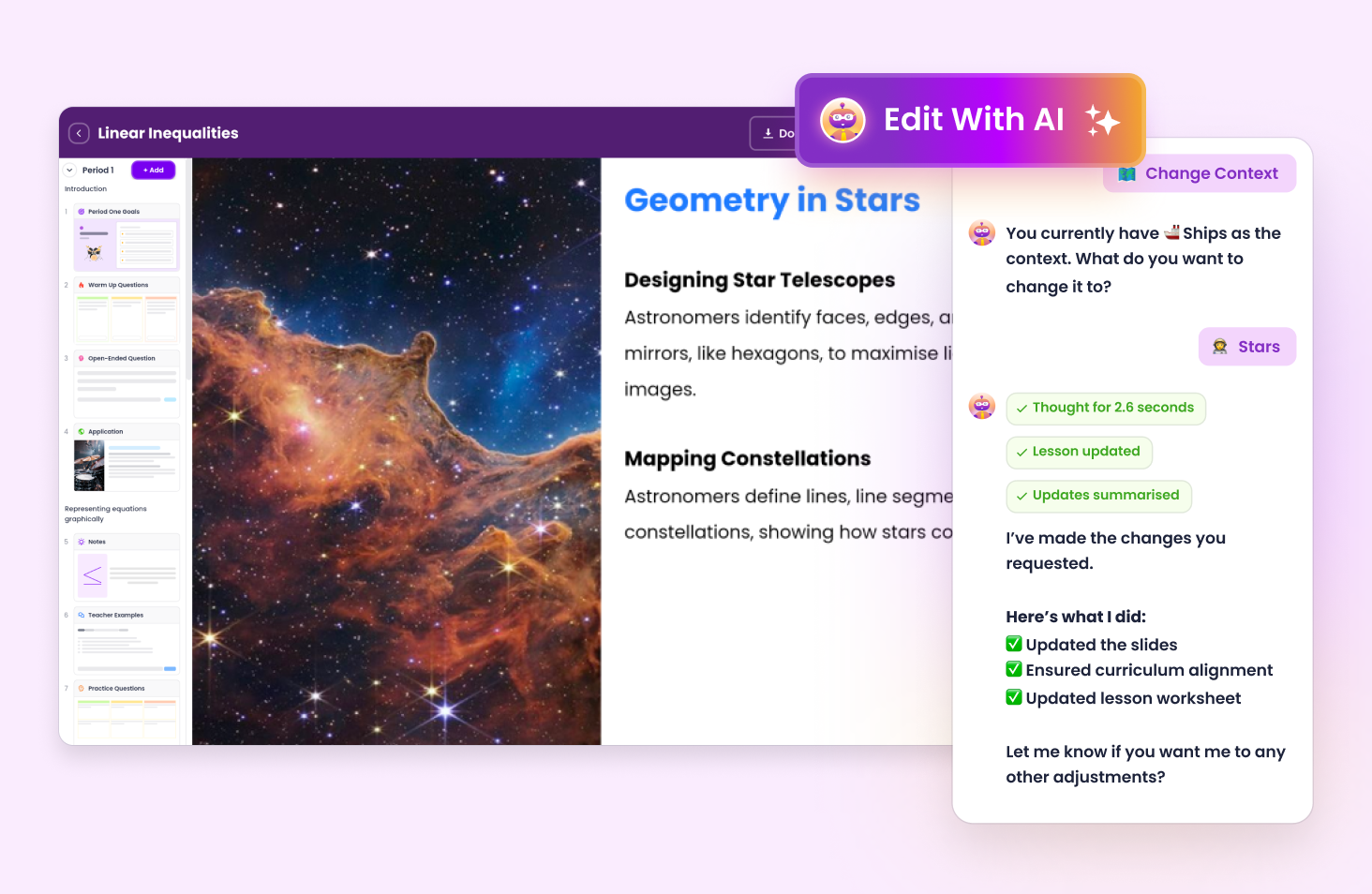
Examples of how you can edit your lesson with AI:
Share with teachers so they can duplicate and customise content for their class. Share with students so they can follow along and answer questions.
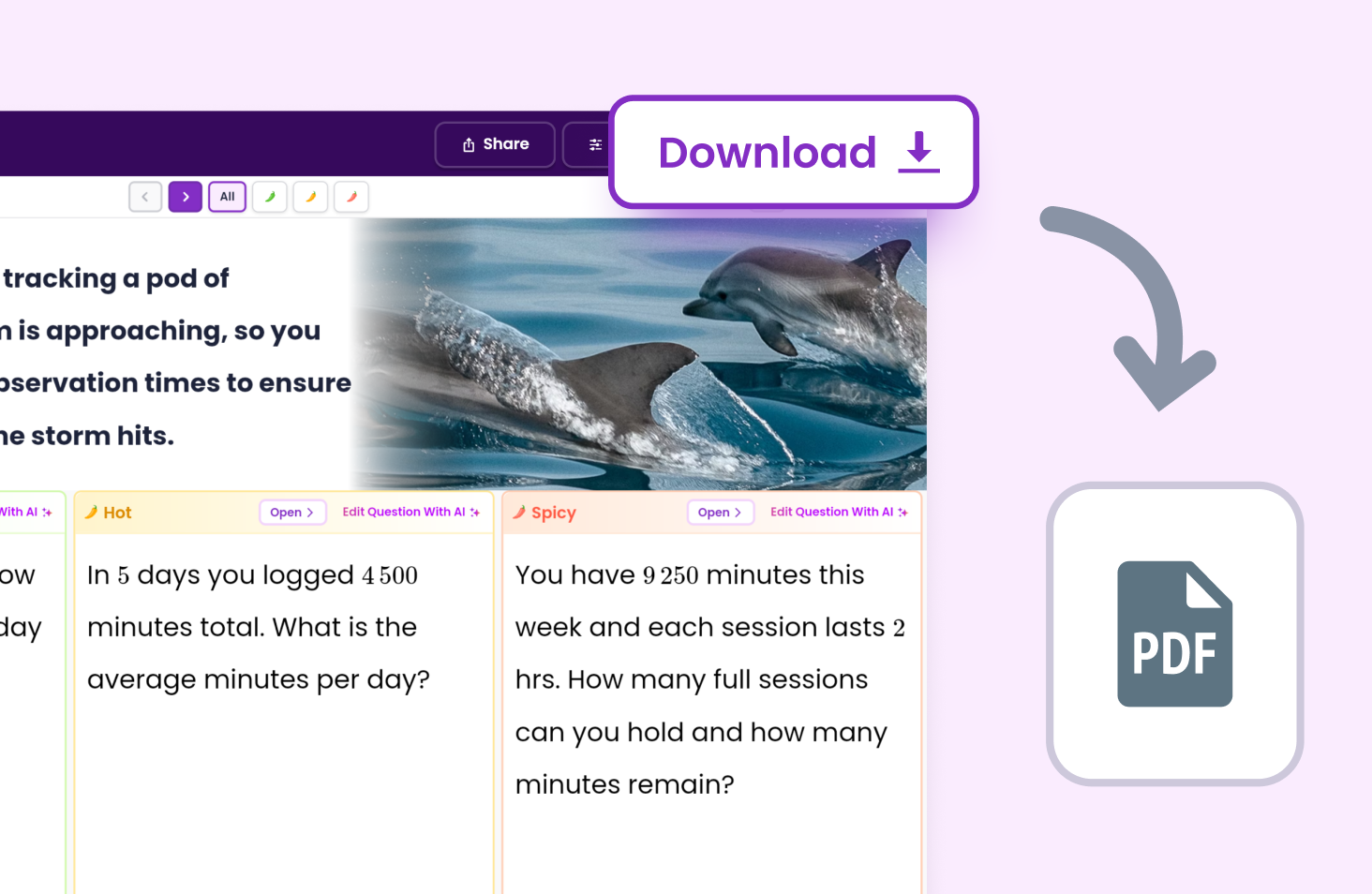
Download as a PDF for printing or saving.
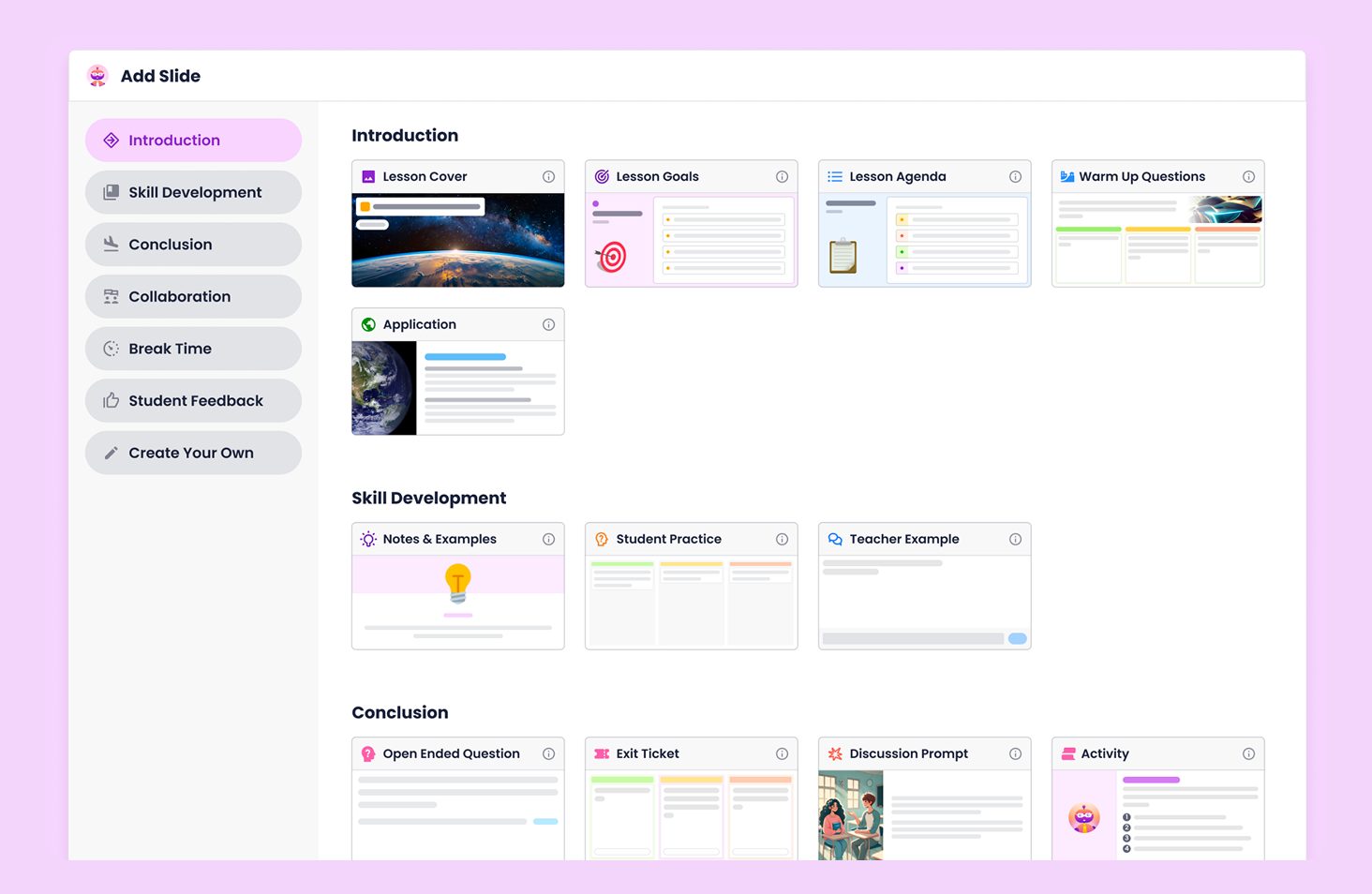
Add Slide lets you customise and adjust content to suit your students. Use slides to build differentiated lessons that work for your class.
Automatically map planning with outcomes.

Adjust planning around your preferences.

Materials to engage students at every level.
.avif)
Evidence teaching in 30 seconds.
.avif)


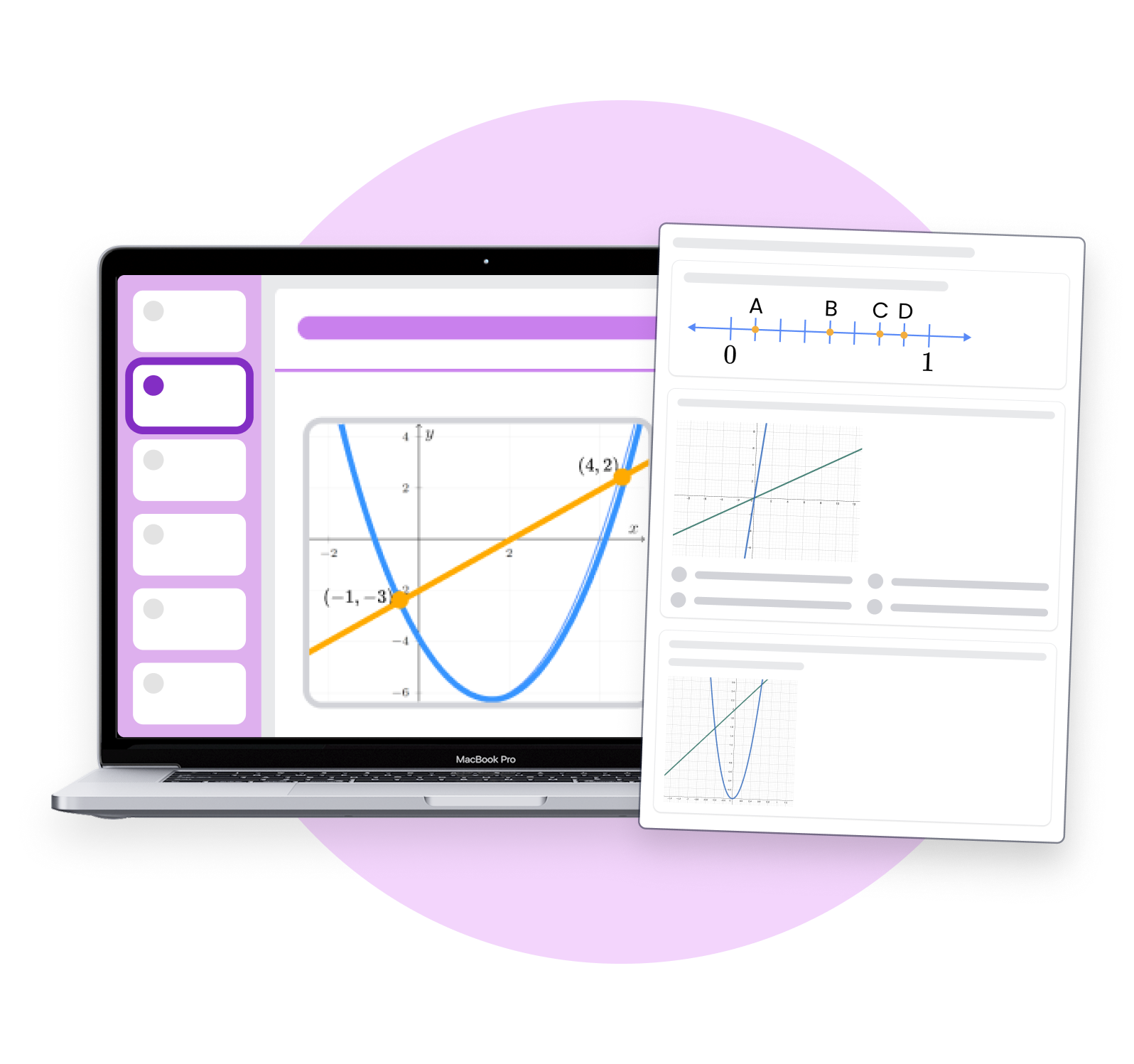
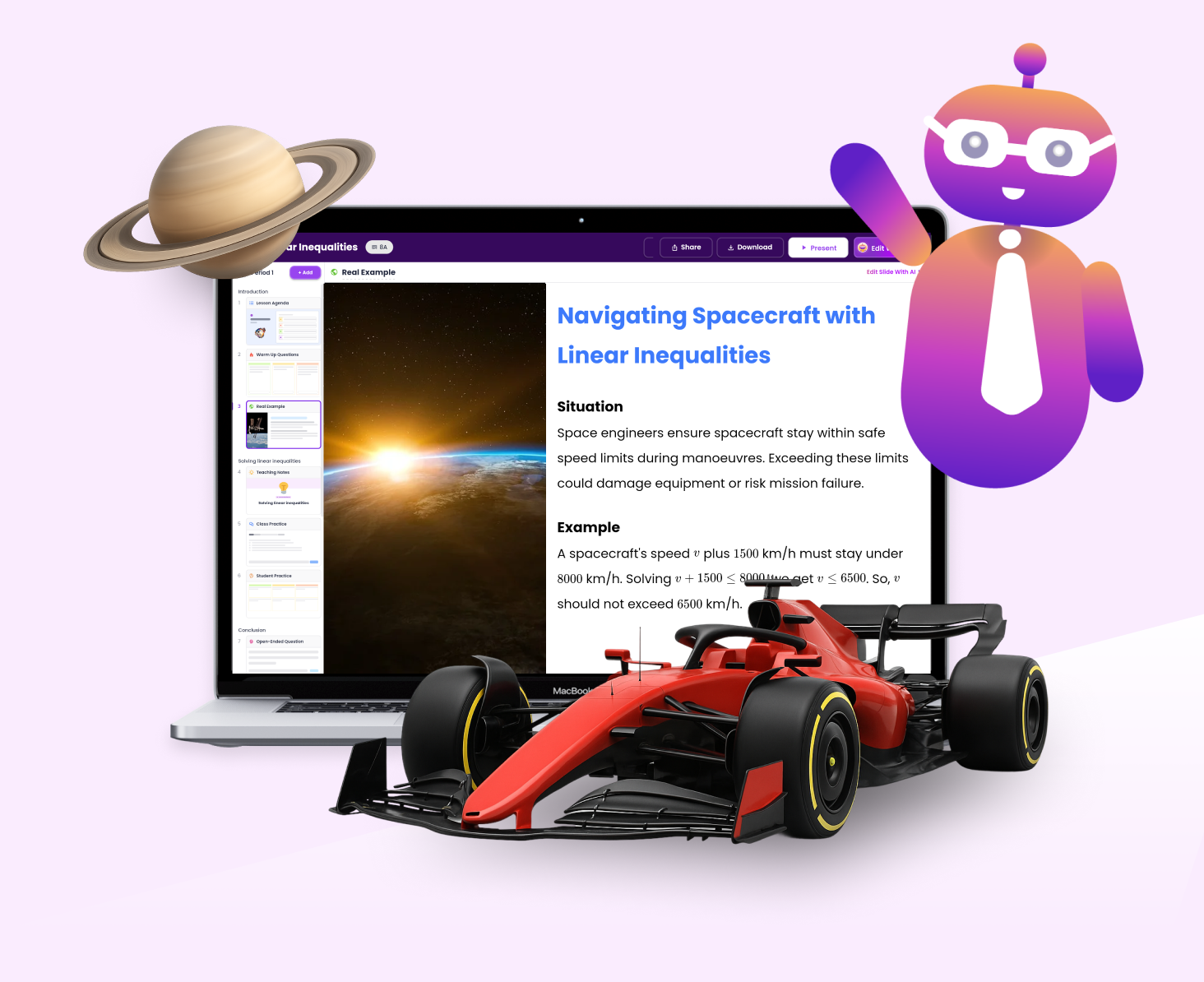
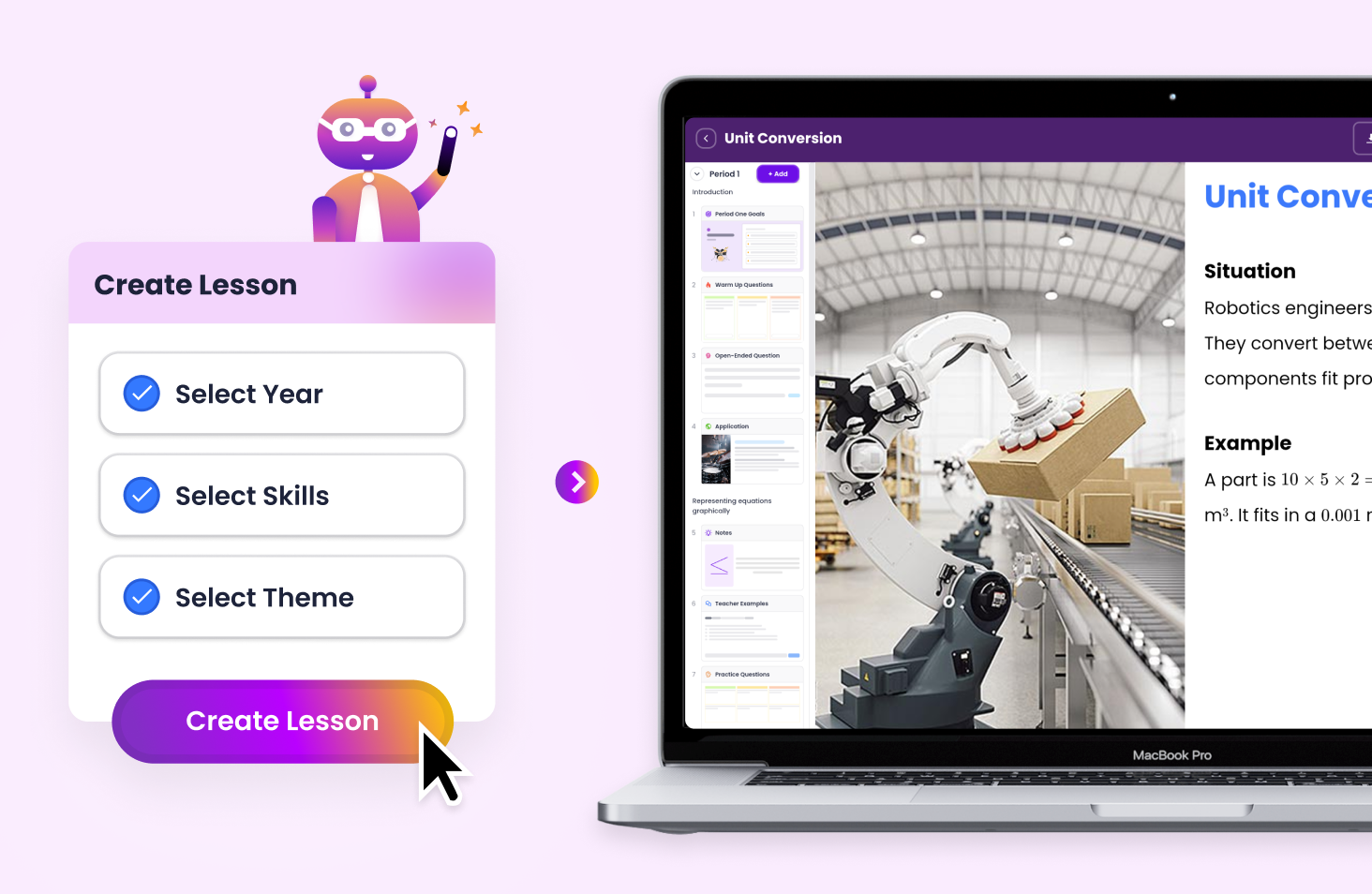
Create engaging slideshows that align with the Australian Curriculum across every subject in just 60 seconds. Tutero’s slideshow builder gives you ready-to-teach presentation decks mapped to syllabus outcomes.
Each presentation includes learning objectives, example questions, visual prompts, and built-in assessments. Whether you’re teaching algebraic expressions or geometry, your slides will be structured, relevant and classroom-ready.
Tutero makes it easy to customise your teaching slides for any subject. You can:
With editable templates for every major topic, Tutero helps you personalise your lessons while saving hours of planning time.
Use AI to refine your slideshow in seconds. Tutero’s smart editor lets you:
Perfect for quick adjustments between classes or creating differentiated versions of the same topic.
Export your presentation as a PDF or share it with your teaching team. Students can follow along digitally or review slides at their own pace. Tutero lets you store, reuse and tweak your slideshow library throughout the term so your planning gets faster every time.
.svg)


