
.svg)

Updated 7 May 2026 with the latest AI-in-classroom guidance from the OECD, the US Office of Educational Technology, and Australian state departments.
AI is moving from a side experiment to a daily classroom tool. The teachers who get the most out of it use it to do the unglamorous, time-eating work — differentiating worksheets, drafting unit plans, writing comments — so they have more time for the part of teaching only a human can do. This guide is a teacher-first walk-through of how to use AI to enhance learning in K-12 classrooms safely, ethically, and in ways that actually move student outcomes.
Quick answer: how can teachers use AI to enhance learning?
Use AI in K-12 classrooms for three jobs: (1) personalise practice and worksheets to each student's level so the bottom third are not lost and the top third are not bored; (2) cut the lesson-planning, marking, and admin load so you have more minutes for direct teaching; (3) build instant feedback loops where students get hints, examples, and re-explanations the moment they get stuck. Keep the teacher in the loop on every output, never paste student data into general-purpose chatbots, and use a school-grade tool with the right privacy controls.
How does AI help with personalised learning at scale in a K-12 classroom?
AI helps with personalised learning at scale by doing the differentiation work that has always been the bottleneck — generating three or four versions of the same task at three or four levels in seconds, then routing each student to the right one. The teacher still sets the learning intention, picks the topic, and reviews the outputs. The AI handles the variation. OECD AI in Education research describes this as "differentiation at scale" — the single hardest thing for a classroom teacher to do unaided, and the single thing AI is best suited to.
In practice, that looks like a maths teacher generating three fraction worksheets — one with visual models, one with abstract numerals, one with worded problems — for the same lesson. Or an English teacher producing a Year 7 and a Year 9 reading comprehension on the same passage. Or a primary teacher producing one set of spelling words at the class average and one set extended for the early readers. The teacher decides who gets which version. The AI just makes the versions exist.
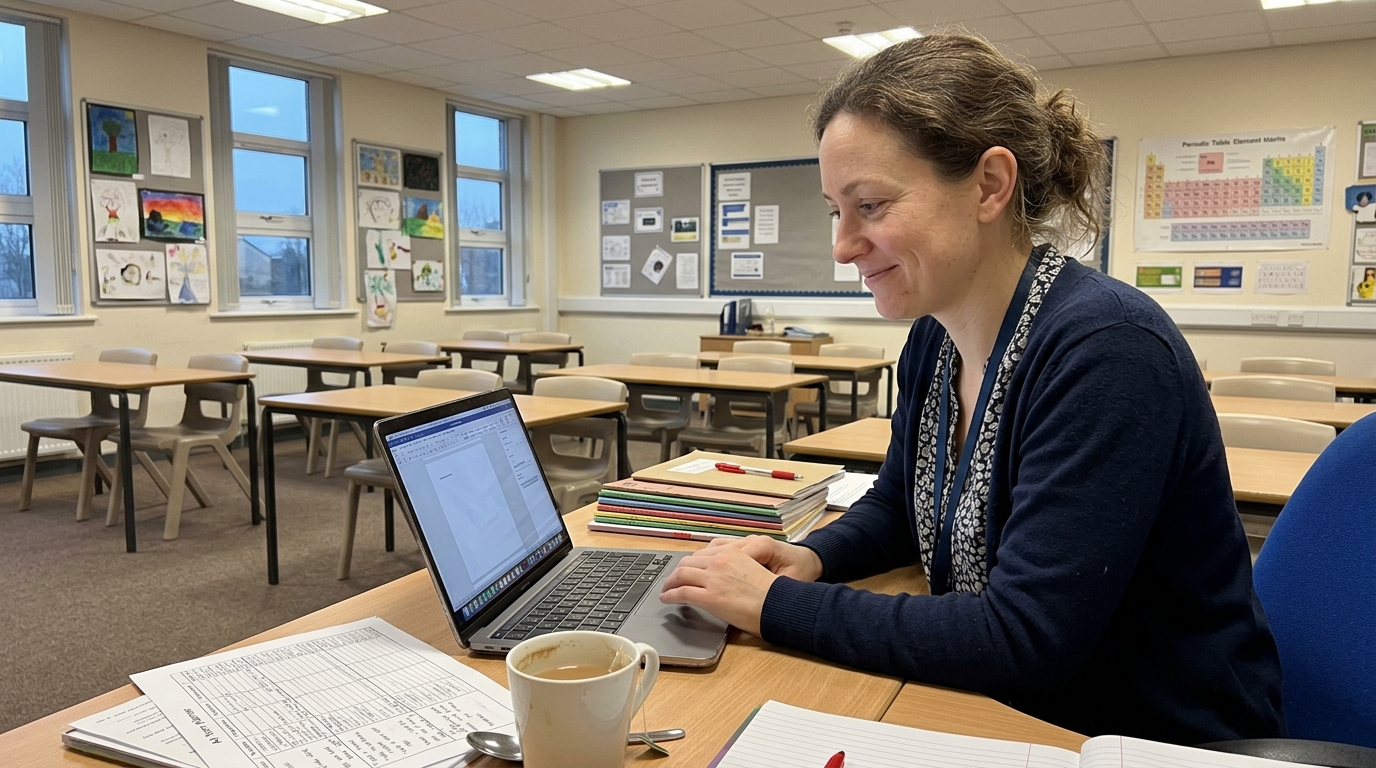
What's the role of AI in classroom differentiation?
The role of AI in differentiation is to remove the labour cost of producing parallel versions of a task. The pedagogy is unchanged — students still need the right level of challenge for the right reason, the teacher still needs to know why each student is on which task, the assessment still needs to map back to the curriculum. What changes is that you no longer have to choose between "differentiate properly" and "have a life", because the worksheet variants take three minutes instead of three hours.
The Education Endowment Foundation's digital-tech meta-analysis found that digital interventions only move outcomes when teachers stay in the driver's seat — the technology has to support, not replace, teacher judgement. AI differentiation works the same way. The teacher decides the learning sequence; AI scales the variation; the teacher checks the outputs before they go to students.
What are the best AI tools for K-12 teachers in 2026?
The best AI tools for K-12 teachers fall into four categories, and most teachers end up using one tool from each rather than a single all-in-one. Use this as a starting map:
- AI co-teacher / lesson-planning tools — built for teachers, generate curriculum-aligned lesson plans, worksheets, and assessments in minutes. Tutero AI sits here — a teacher-first AI co-teacher trained on Australian, US, and UK curriculum, with privacy controls schools can pass through their procurement teams.
- Adaptive practice platforms — students practise at their own level, AI adjusts difficulty as they go. Useful for spaced practice and homework; less useful for new instruction.
- Feedback and marking tools — AI suggests comments on student writing, flags common errors, drafts rubric-aligned feedback for the teacher to edit. Saves 20–40% of marking time when used well.
- General-purpose chatbots — useful for brainstorming, drafting parent emails, generating reading-comprehension distractors. Never paste student names, grades, or identifiable work into a general-purpose chatbot.
Whatever tool you pick, three things matter more than the brand: it has to be aligned to your curriculum (not "education in general"), it has to support your privacy obligations under your jurisdiction's data rules, and it has to keep the teacher in the loop on every output that touches students.
How do you use AI in the classroom safely and ethically?
Use AI in the classroom safely by following four rules: (1) the teacher reviews every AI output before students see it; (2) student data — names, grades, identifiable writing — does not go into general-purpose chatbots, only into school-approved tools with documented privacy controls; (3) students are taught how the tool works, what it can get wrong, and when to push back; (4) the school has a written AI use policy that aligns to the relevant state or federal guidance. The US Office of Educational Technology's AI guidance is the clearest plain-language framework currently published; the NSW Department of Education AI guidance and the Victorian Department of Education position papers are the AU-state equivalents.
The teacher-in-the-loop principle is the one that does the most work. Hattie's Visible Learning meta-analyses consistently show that the variables with the largest effect sizes — teacher clarity, formative evaluation, feedback — are all teacher actions, not technology features. AI helps when it amplifies those teacher actions; it hurts when it replaces them.
Can AI replace teachers in K-12 classrooms?
No, AI cannot replace teachers in K-12 classrooms, and the teachers who use AI most heavily are usually the most certain of this. The reason is structural: teaching is mostly relationship, judgement, and real-time decision-making in a room of 25–30 humans, and current AI does none of those well. What AI replaces is the parts of the job that were never the teacher's value-add — generating the third version of a worksheet, drafting a comment bank, writing a unit plan from a curriculum dot point. Removing that work doesn't make teachers less essential; it makes them more focused on the parts only they can do.
The OECD's framing is useful here: AI is best understood as augmenting the teacher's reach, not substituting for the teacher's role. A teacher with an AI co-teacher can give 30 students a more personalised week than a teacher without one — but the teacher is still the one who knows which student needs the personalisation, and why.
What's the difference between AI for teachers and AI for students?
AI for teachers is built around the teacher's workflow — planning, differentiating, assessing, communicating — and the teacher reviews every output before it reaches students. AI for students is built around the student's workflow — practice, feedback, hints, retrieval — and the student interacts with the model directly. The two are complementary, but the safety profile is different. Teacher-facing AI can be more open-ended because a trained adult is editing every output. Student-facing AI needs tighter guardrails: age-appropriate content filters, no off-topic chat, no answer-mining, no personal-data capture, alignment to the curriculum the student is actually studying.
A practical rule: use teacher-facing AI for everything that ends up in a lesson, on a worksheet, or in a report. Use student-facing AI only when it's a school-approved tool with the right guardrails — not a general-purpose chatbot.
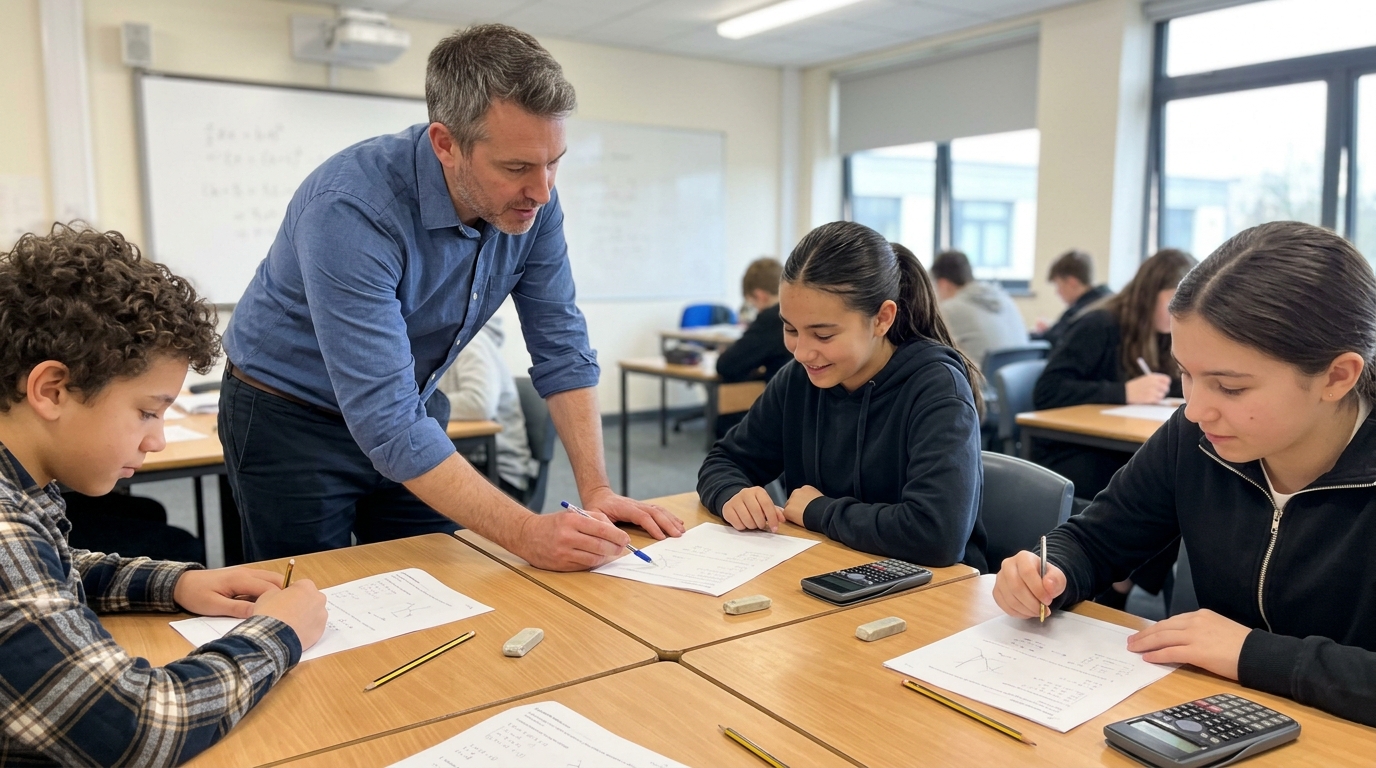
How do I get started with AI as a K-12 teacher?
The smallest useful first step is to pick one weekly task that takes you 60 minutes and try doing it with an AI co-teacher next week. Lesson planning, worksheet differentiation, comment writing, parent emails, and reading-comprehension question generation all qualify. Start there, not with "I will redesign my whole pedagogy". Then expand once you trust the tool's outputs.
A four-week pilot pattern most teachers can run unaided:
- Week 1 — Drafting. Use an AI co-teacher to draft one lesson plan a day. Edit heavily. Notice where the model gets your year level, your curriculum, and your students right; notice where it doesn't.
- Week 2 — Differentiating. Use the same tool to produce two extra versions of one worksheet — one easier, one harder. Run them in class. See which students moved up a level of engagement.
- Week 3 — Feedback. Try AI-suggested comments on student writing for one assessment. Edit every comment before it goes back. Track how much marking time you saved.
- Week 4 — Reflect. Decide what's worth keeping, what's not, and where the limits of the tool are. Most teachers keep two of the three.
What does AI in K-12 actually look like in a real classroom?
In a real K-12 classroom, AI mostly lives behind the scenes — in the teacher's prep time, not in front of students. A primary teacher uses an AI co-teacher on Sunday night to build the week's literacy small-group rotations at three reading levels. A maths teacher generates a 20-question fraction quiz at four difficulty bands so each student gets a quiz that matches their data. A secondary English teacher drafts a 200-word feedback comment on each Year 10 essay, then edits each one in 30 seconds rather than writing it from scratch in three minutes. A Year 4 teacher generates a parent email translating the week's spelling list into Mandarin and Vietnamese for the families who need it.
None of those use cases are flashy. All of them give the teacher 30–90 minutes back per week and produce better-targeted student work than the time-pressured human-only version would have. That's the realistic shape of AI-enhanced K-12 learning in 2026 — not a robot teacher, but a teacher whose unglamorous prep load got smaller.
Where to next: related reading
- The ultimate guide to AI in education — the hub article covering AI's full role in K-12, including history, frameworks, and case studies.
- How to use AI to boost engagement in your math classroom — the subject-specific deep-dive on AI for maths teachers.
- How to make learning fun: creative strategies for teachers — pairs well with this guide if you're rebuilding engagement alongside introducing AI.
Bottom line
AI enhances K-12 learning when it removes the unglamorous work — the third version of a worksheet, the unit plan from a dot point, the comment bank — so teachers can spend more time on the parts of teaching only humans can do. It does not replace teachers. It does not work without privacy controls. And it does not work as a magic shortcut. It works as a co-teacher: in the loop, edited, aligned, and used for one task a week until you trust it.
Try Tutero AI Co-Teacher — built for teachers to build personalised lessons, worksheets, and assessments in seconds. Curriculum-aligned, school-grade privacy, and designed so the teacher stays in the driver's seat. Get started at tutero.ai.
Updated 7 May 2026 with the latest AI-in-classroom guidance from the OECD, the US Office of Educational Technology, and Australian state departments.
AI is moving from a side experiment to a daily classroom tool. The teachers who get the most out of it use it to do the unglamorous, time-eating work — differentiating worksheets, drafting unit plans, writing comments — so they have more time for the part of teaching only a human can do. This guide is a teacher-first walk-through of how to use AI to enhance learning in K-12 classrooms safely, ethically, and in ways that actually move student outcomes.
Quick answer: how can teachers use AI to enhance learning?
Use AI in K-12 classrooms for three jobs: (1) personalise practice and worksheets to each student's level so the bottom third are not lost and the top third are not bored; (2) cut the lesson-planning, marking, and admin load so you have more minutes for direct teaching; (3) build instant feedback loops where students get hints, examples, and re-explanations the moment they get stuck. Keep the teacher in the loop on every output, never paste student data into general-purpose chatbots, and use a school-grade tool with the right privacy controls.
How does AI help with personalised learning at scale in a K-12 classroom?
AI helps with personalised learning at scale by doing the differentiation work that has always been the bottleneck — generating three or four versions of the same task at three or four levels in seconds, then routing each student to the right one. The teacher still sets the learning intention, picks the topic, and reviews the outputs. The AI handles the variation. OECD AI in Education research describes this as "differentiation at scale" — the single hardest thing for a classroom teacher to do unaided, and the single thing AI is best suited to.
In practice, that looks like a maths teacher generating three fraction worksheets — one with visual models, one with abstract numerals, one with worded problems — for the same lesson. Or an English teacher producing a Year 7 and a Year 9 reading comprehension on the same passage. Or a primary teacher producing one set of spelling words at the class average and one set extended for the early readers. The teacher decides who gets which version. The AI just makes the versions exist.
What's the role of AI in classroom differentiation?
The role of AI in differentiation is to remove the labour cost of producing parallel versions of a task. The pedagogy is unchanged — students still need the right level of challenge for the right reason, the teacher still needs to know why each student is on which task, the assessment still needs to map back to the curriculum. What changes is that you no longer have to choose between "differentiate properly" and "have a life", because the worksheet variants take three minutes instead of three hours.
The Education Endowment Foundation's digital-tech meta-analysis found that digital interventions only move outcomes when teachers stay in the driver's seat — the technology has to support, not replace, teacher judgement. AI differentiation works the same way. The teacher decides the learning sequence; AI scales the variation; the teacher checks the outputs before they go to students.
What are the best AI tools for K-12 teachers in 2026?
The best AI tools for K-12 teachers fall into four categories, and most teachers end up using one tool from each rather than a single all-in-one. Use this as a starting map:
- AI co-teacher / lesson-planning tools — built for teachers, generate curriculum-aligned lesson plans, worksheets, and assessments in minutes. Tutero AI sits here — a teacher-first AI co-teacher trained on Australian, US, and UK curriculum, with privacy controls schools can pass through their procurement teams.
- Adaptive practice platforms — students practise at their own level, AI adjusts difficulty as they go. Useful for spaced practice and homework; less useful for new instruction.
- Feedback and marking tools — AI suggests comments on student writing, flags common errors, drafts rubric-aligned feedback for the teacher to edit. Saves 20–40% of marking time when used well.
- General-purpose chatbots — useful for brainstorming, drafting parent emails, generating reading-comprehension distractors. Never paste student names, grades, or identifiable work into a general-purpose chatbot.
Whatever tool you pick, three things matter more than the brand: it has to be aligned to your curriculum (not "education in general"), it has to support your privacy obligations under your jurisdiction's data rules, and it has to keep the teacher in the loop on every output that touches students.
How do you use AI in the classroom safely and ethically?
Use AI in the classroom safely by following four rules: (1) the teacher reviews every AI output before students see it; (2) student data — names, grades, identifiable writing — does not go into general-purpose chatbots, only into school-approved tools with documented privacy controls; (3) students are taught how the tool works, what it can get wrong, and when to push back; (4) the school has a written AI use policy that aligns to the relevant state or federal guidance. The US Office of Educational Technology's AI guidance is the clearest plain-language framework currently published; the NSW Department of Education AI guidance and the Victorian Department of Education position papers are the AU-state equivalents.
The teacher-in-the-loop principle is the one that does the most work. Hattie's Visible Learning meta-analyses consistently show that the variables with the largest effect sizes — teacher clarity, formative evaluation, feedback — are all teacher actions, not technology features. AI helps when it amplifies those teacher actions; it hurts when it replaces them.
Can AI replace teachers in K-12 classrooms?
No, AI cannot replace teachers in K-12 classrooms, and the teachers who use AI most heavily are usually the most certain of this. The reason is structural: teaching is mostly relationship, judgement, and real-time decision-making in a room of 25–30 humans, and current AI does none of those well. What AI replaces is the parts of the job that were never the teacher's value-add — generating the third version of a worksheet, drafting a comment bank, writing a unit plan from a curriculum dot point. Removing that work doesn't make teachers less essential; it makes them more focused on the parts only they can do.
The OECD's framing is useful here: AI is best understood as augmenting the teacher's reach, not substituting for the teacher's role. A teacher with an AI co-teacher can give 30 students a more personalised week than a teacher without one — but the teacher is still the one who knows which student needs the personalisation, and why.
What's the difference between AI for teachers and AI for students?
AI for teachers is built around the teacher's workflow — planning, differentiating, assessing, communicating — and the teacher reviews every output before it reaches students. AI for students is built around the student's workflow — practice, feedback, hints, retrieval — and the student interacts with the model directly. The two are complementary, but the safety profile is different. Teacher-facing AI can be more open-ended because a trained adult is editing every output. Student-facing AI needs tighter guardrails: age-appropriate content filters, no off-topic chat, no answer-mining, no personal-data capture, alignment to the curriculum the student is actually studying.
A practical rule: use teacher-facing AI for everything that ends up in a lesson, on a worksheet, or in a report. Use student-facing AI only when it's a school-approved tool with the right guardrails — not a general-purpose chatbot.
How do I get started with AI as a K-12 teacher?
The smallest useful first step is to pick one weekly task that takes you 60 minutes and try doing it with an AI co-teacher next week. Lesson planning, worksheet differentiation, comment writing, parent emails, and reading-comprehension question generation all qualify. Start there, not with "I will redesign my whole pedagogy". Then expand once you trust the tool's outputs.
A four-week pilot pattern most teachers can run unaided:
- Week 1 — Drafting. Use an AI co-teacher to draft one lesson plan a day. Edit heavily. Notice where the model gets your year level, your curriculum, and your students right; notice where it doesn't.
- Week 2 — Differentiating. Use the same tool to produce two extra versions of one worksheet — one easier, one harder. Run them in class. See which students moved up a level of engagement.
- Week 3 — Feedback. Try AI-suggested comments on student writing for one assessment. Edit every comment before it goes back. Track how much marking time you saved.
- Week 4 — Reflect. Decide what's worth keeping, what's not, and where the limits of the tool are. Most teachers keep two of the three.
What does AI in K-12 actually look like in a real classroom?
In a real K-12 classroom, AI mostly lives behind the scenes — in the teacher's prep time, not in front of students. A primary teacher uses an AI co-teacher on Sunday night to build the week's literacy small-group rotations at three reading levels. A maths teacher generates a 20-question fraction quiz at four difficulty bands so each student gets a quiz that matches their data. A secondary English teacher drafts a 200-word feedback comment on each Year 10 essay, then edits each one in 30 seconds rather than writing it from scratch in three minutes. A Year 4 teacher generates a parent email translating the week's spelling list into Mandarin and Vietnamese for the families who need it.
None of those use cases are flashy. All of them give the teacher 30–90 minutes back per week and produce better-targeted student work than the time-pressured human-only version would have. That's the realistic shape of AI-enhanced K-12 learning in 2026 — not a robot teacher, but a teacher whose unglamorous prep load got smaller.
Where to next: related reading
- The ultimate guide to AI in education — the hub article covering AI's full role in K-12, including history, frameworks, and case studies.
- How to use AI to boost engagement in your math classroom — the subject-specific deep-dive on AI for maths teachers.
- How to make learning fun: creative strategies for teachers — pairs well with this guide if you're rebuilding engagement alongside introducing AI.
Bottom line
AI enhances K-12 learning when it removes the unglamorous work — the third version of a worksheet, the unit plan from a dot point, the comment bank — so teachers can spend more time on the parts of teaching only humans can do. It does not replace teachers. It does not work without privacy controls. And it does not work as a magic shortcut. It works as a co-teacher: in the loop, edited, aligned, and used for one task a week until you trust it.
Try Tutero AI Co-Teacher — built for teachers to build personalised lessons, worksheets, and assessments in seconds. Curriculum-aligned, school-grade privacy, and designed so the teacher stays in the driver's seat. Get started at tutero.ai.

Updated 7 May 2026 with the latest AI-in-classroom guidance from the OECD, the US Office of Educational Technology, and Australian state departments.
AI is moving from a side experiment to a daily classroom tool. The teachers who get the most out of it use it to do the unglamorous, time-eating work — differentiating worksheets, drafting unit plans, writing comments — so they have more time for the part of teaching only a human can do. This guide is a teacher-first walk-through of how to use AI to enhance learning in K-12 classrooms safely, ethically, and in ways that actually move student outcomes.
Quick answer: how can teachers use AI to enhance learning?
Use AI in K-12 classrooms for three jobs: (1) personalise practice and worksheets to each student's level so the bottom third are not lost and the top third are not bored; (2) cut the lesson-planning, marking, and admin load so you have more minutes for direct teaching; (3) build instant feedback loops where students get hints, examples, and re-explanations the moment they get stuck. Keep the teacher in the loop on every output, never paste student data into general-purpose chatbots, and use a school-grade tool with the right privacy controls.
How does AI help with personalised learning at scale in a K-12 classroom?
AI helps with personalised learning at scale by doing the differentiation work that has always been the bottleneck — generating three or four versions of the same task at three or four levels in seconds, then routing each student to the right one. The teacher still sets the learning intention, picks the topic, and reviews the outputs. The AI handles the variation. OECD AI in Education research describes this as "differentiation at scale" — the single hardest thing for a classroom teacher to do unaided, and the single thing AI is best suited to.
In practice, that looks like a maths teacher generating three fraction worksheets — one with visual models, one with abstract numerals, one with worded problems — for the same lesson. Or an English teacher producing a Year 7 and a Year 9 reading comprehension on the same passage. Or a primary teacher producing one set of spelling words at the class average and one set extended for the early readers. The teacher decides who gets which version. The AI just makes the versions exist.
What's the role of AI in classroom differentiation?
The role of AI in differentiation is to remove the labour cost of producing parallel versions of a task. The pedagogy is unchanged — students still need the right level of challenge for the right reason, the teacher still needs to know why each student is on which task, the assessment still needs to map back to the curriculum. What changes is that you no longer have to choose between "differentiate properly" and "have a life", because the worksheet variants take three minutes instead of three hours.
The Education Endowment Foundation's digital-tech meta-analysis found that digital interventions only move outcomes when teachers stay in the driver's seat — the technology has to support, not replace, teacher judgement. AI differentiation works the same way. The teacher decides the learning sequence; AI scales the variation; the teacher checks the outputs before they go to students.
What are the best AI tools for K-12 teachers in 2026?
The best AI tools for K-12 teachers fall into four categories, and most teachers end up using one tool from each rather than a single all-in-one. Use this as a starting map:
- AI co-teacher / lesson-planning tools — built for teachers, generate curriculum-aligned lesson plans, worksheets, and assessments in minutes. Tutero AI sits here — a teacher-first AI co-teacher trained on Australian, US, and UK curriculum, with privacy controls schools can pass through their procurement teams.
- Adaptive practice platforms — students practise at their own level, AI adjusts difficulty as they go. Useful for spaced practice and homework; less useful for new instruction.
- Feedback and marking tools — AI suggests comments on student writing, flags common errors, drafts rubric-aligned feedback for the teacher to edit. Saves 20–40% of marking time when used well.
- General-purpose chatbots — useful for brainstorming, drafting parent emails, generating reading-comprehension distractors. Never paste student names, grades, or identifiable work into a general-purpose chatbot.
Whatever tool you pick, three things matter more than the brand: it has to be aligned to your curriculum (not "education in general"), it has to support your privacy obligations under your jurisdiction's data rules, and it has to keep the teacher in the loop on every output that touches students.
How do you use AI in the classroom safely and ethically?
Use AI in the classroom safely by following four rules: (1) the teacher reviews every AI output before students see it; (2) student data — names, grades, identifiable writing — does not go into general-purpose chatbots, only into school-approved tools with documented privacy controls; (3) students are taught how the tool works, what it can get wrong, and when to push back; (4) the school has a written AI use policy that aligns to the relevant state or federal guidance. The US Office of Educational Technology's AI guidance is the clearest plain-language framework currently published; the NSW Department of Education AI guidance and the Victorian Department of Education position papers are the AU-state equivalents.
The teacher-in-the-loop principle is the one that does the most work. Hattie's Visible Learning meta-analyses consistently show that the variables with the largest effect sizes — teacher clarity, formative evaluation, feedback — are all teacher actions, not technology features. AI helps when it amplifies those teacher actions; it hurts when it replaces them.
Can AI replace teachers in K-12 classrooms?
No, AI cannot replace teachers in K-12 classrooms, and the teachers who use AI most heavily are usually the most certain of this. The reason is structural: teaching is mostly relationship, judgement, and real-time decision-making in a room of 25–30 humans, and current AI does none of those well. What AI replaces is the parts of the job that were never the teacher's value-add — generating the third version of a worksheet, drafting a comment bank, writing a unit plan from a curriculum dot point. Removing that work doesn't make teachers less essential; it makes them more focused on the parts only they can do.
The OECD's framing is useful here: AI is best understood as augmenting the teacher's reach, not substituting for the teacher's role. A teacher with an AI co-teacher can give 30 students a more personalised week than a teacher without one — but the teacher is still the one who knows which student needs the personalisation, and why.
What's the difference between AI for teachers and AI for students?
AI for teachers is built around the teacher's workflow — planning, differentiating, assessing, communicating — and the teacher reviews every output before it reaches students. AI for students is built around the student's workflow — practice, feedback, hints, retrieval — and the student interacts with the model directly. The two are complementary, but the safety profile is different. Teacher-facing AI can be more open-ended because a trained adult is editing every output. Student-facing AI needs tighter guardrails: age-appropriate content filters, no off-topic chat, no answer-mining, no personal-data capture, alignment to the curriculum the student is actually studying.
A practical rule: use teacher-facing AI for everything that ends up in a lesson, on a worksheet, or in a report. Use student-facing AI only when it's a school-approved tool with the right guardrails — not a general-purpose chatbot.
How do I get started with AI as a K-12 teacher?
The smallest useful first step is to pick one weekly task that takes you 60 minutes and try doing it with an AI co-teacher next week. Lesson planning, worksheet differentiation, comment writing, parent emails, and reading-comprehension question generation all qualify. Start there, not with "I will redesign my whole pedagogy". Then expand once you trust the tool's outputs.
A four-week pilot pattern most teachers can run unaided:
- Week 1 — Drafting. Use an AI co-teacher to draft one lesson plan a day. Edit heavily. Notice where the model gets your year level, your curriculum, and your students right; notice where it doesn't.
- Week 2 — Differentiating. Use the same tool to produce two extra versions of one worksheet — one easier, one harder. Run them in class. See which students moved up a level of engagement.
- Week 3 — Feedback. Try AI-suggested comments on student writing for one assessment. Edit every comment before it goes back. Track how much marking time you saved.
- Week 4 — Reflect. Decide what's worth keeping, what's not, and where the limits of the tool are. Most teachers keep two of the three.
What does AI in K-12 actually look like in a real classroom?
In a real K-12 classroom, AI mostly lives behind the scenes — in the teacher's prep time, not in front of students. A primary teacher uses an AI co-teacher on Sunday night to build the week's literacy small-group rotations at three reading levels. A maths teacher generates a 20-question fraction quiz at four difficulty bands so each student gets a quiz that matches their data. A secondary English teacher drafts a 200-word feedback comment on each Year 10 essay, then edits each one in 30 seconds rather than writing it from scratch in three minutes. A Year 4 teacher generates a parent email translating the week's spelling list into Mandarin and Vietnamese for the families who need it.
None of those use cases are flashy. All of them give the teacher 30–90 minutes back per week and produce better-targeted student work than the time-pressured human-only version would have. That's the realistic shape of AI-enhanced K-12 learning in 2026 — not a robot teacher, but a teacher whose unglamorous prep load got smaller.
Where to next: related reading
- The ultimate guide to AI in education — the hub article covering AI's full role in K-12, including history, frameworks, and case studies.
- How to use AI to boost engagement in your math classroom — the subject-specific deep-dive on AI for maths teachers.
- How to make learning fun: creative strategies for teachers — pairs well with this guide if you're rebuilding engagement alongside introducing AI.
Bottom line
AI enhances K-12 learning when it removes the unglamorous work — the third version of a worksheet, the unit plan from a dot point, the comment bank — so teachers can spend more time on the parts of teaching only humans can do. It does not replace teachers. It does not work without privacy controls. And it does not work as a magic shortcut. It works as a co-teacher: in the loop, edited, aligned, and used for one task a week until you trust it.
Try Tutero AI Co-Teacher — built for teachers to build personalised lessons, worksheets, and assessments in seconds. Curriculum-aligned, school-grade privacy, and designed so the teacher stays in the driver's seat. Get started at tutero.ai.
.svg)
.svg)
Hoping to improve confidence & grades?

.png)


